
What is ManyCam?
ManyCam is a comprehensive virtual camera and live streaming software solution designed to enhance live video production across multiple platforms. It integrates seamlessly with popular video conferencing applications like Zoom, Microsoft Teams, and Google Meet, as well as streaming services such as Facebook, YouTube, and Twitch. The software provides users with advanced video tools including customizable picture-in-picture layers, media switching between scenes, and support for multiple video sources including mobile devices and documents.
The platform features AI-optimized virtual background technology that allows users to blur, remove, or replace backgrounds without requiring a green screen. ManyCam enables simultaneous broadcasting to multiple platforms while offering professional-grade video production capabilities typically found in more expensive hardware setups. It serves as a versatile solution for businesses, educators, healthcare providers, and content creators seeking to improve their video communication quality.
Features
- Virtual Camera Integration: Connect as camera source to Zoom, Teams, Meet, and other video platforms
- Live Streaming: Broadcast simultaneously to multiple platforms like Facebook, YouTube, and Twitch
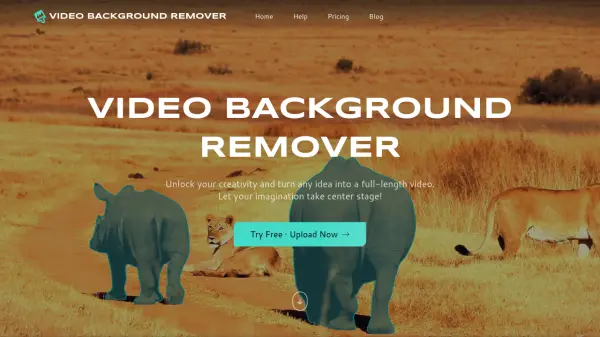
- AI Virtual Backgrounds: Blur, remove, or replace backgrounds without green screen using optimized AI models
- Picture-in-Picture Layers: Create customizable layouts with multiple resizable video sources
- Multiple Source Support: Integrate camera angles, mobile devices, documents, and NDI sources
Use Cases
- Professional video conferencing with enhanced visual presentations
- Live streaming to multiple social media platforms simultaneously
- Virtual classroom setups for remote education and online tutoring
- Telehealth consultations with professional video backgrounds
- Business presentations with multiple content sources and layouts
- Gaming streams with professional production elements
- Courtroom proceedings and legal video presentations
- Virtual fundraising events and online conferences
FAQs
-
What video conferencing platforms does ManyCam work with?
ManyCam integrates with Zoom, Microsoft Teams, Google Meet, Webex, and any video calling application that accepts virtual camera input. -
Can I stream to multiple platforms simultaneously?
Yes, ManyCam supports multicasting to multiple platforms including Facebook, YouTube, Twitch, and any RTMP streaming destination at the same time. -
Do I need a green screen for virtual backgrounds?
No, ManyCam's AI-powered virtual backgrounds work without a green screen, allowing you to blur, remove, or replace backgrounds easily. -
Can I use my mobile device as a camera source?
Yes, ManyCam supports using mobile devices as additional camera angles and for remote control during live sessions.