What is MailUi?
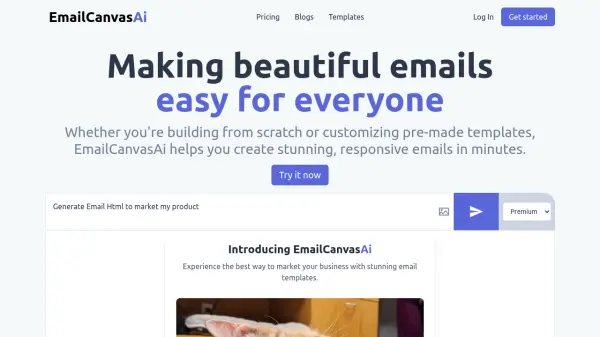
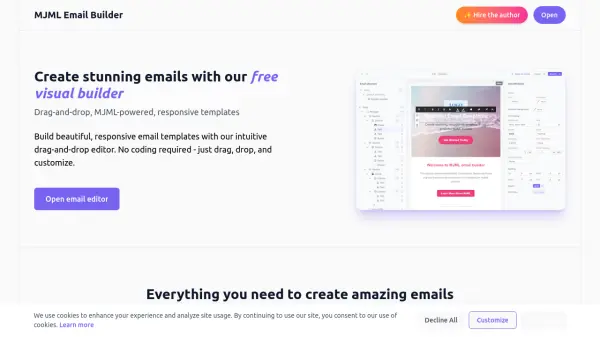
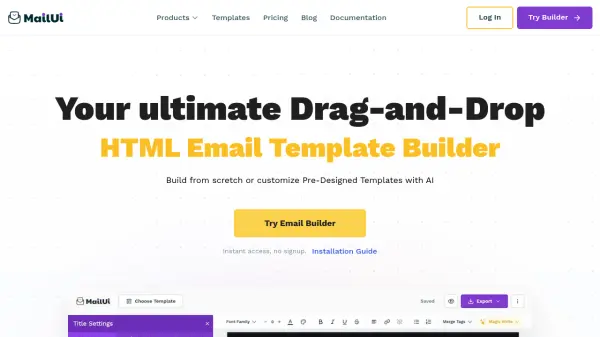
MailUi offers a comprehensive solution for designing custom email templates through an intuitive drag-and-drop interface, eliminating the need for coding. Users can leverage an extensive library of pre-designed templates to accelerate their email campaign creation or choose to build templates from the ground up. The platform integrates AI-powered tools to assist in generating compelling copy and visuals quickly, streamlining the email design process.
Furthermore, MailUi ensures that all created emails are fully responsive, adapting seamlessly to mobile devices for an optimal user experience. For advanced users, an HTML code view provides full control over the email's design and structure by allowing direct access to the raw code. The tool supports multiple export formats, including HTML, ZIP, image, and PDF, providing flexibility for various use cases and platforms.
Features
- Drag-and-Drop Editor: Design custom email templates without coding using an intuitive interface.
- Extensive Template Library: Choose from a wide range of pre-designed templates to kickstart email campaigns.
- AI-Powered Content Creation: Generate compelling copy and visuals in seconds with built-in AI tools.
- Mobile-Friendly Design: Create fully responsive emails that adapt perfectly to mobile devices.
- HTML Code View: Access and see the raw HTML code for full control over email design and structure.
- Multiple Export Formats: Download email designs in HTML, ZIP, image, PDF, and EPS formats.
Use Cases
- Creating newsletters quickly using pre-designed templates.
- Designing promotional email campaigns with AI-generated content.
- Building transactional emails with custom branding and responsive design.
- Developing mobile-responsive email templates for various email clients and devices.
- Embedding a drag-and-drop email builder into websites, CRMs, or ESPs using the MailUi SAAS Plugin.
FAQs
-
Will my subscription automatically renew?
Yes, your subscription will automatically renew at the start of each billing period unless you cancel it. -
How can I cancel my subscription?
You can cancel your subscription at any time through the Billing menu. Simply click the "delete" icon in the Active Subscriptions table. Once you cancel, you'll continue to have access to your current plan until the end of the paid period, after which your account will automatically downgrade to the FREE plan. -
What are the support team’s working hours?
The support team is available during European working hours, from 8:30 AM to midnight (UTC+3), Monday through Friday. -
What payment methods are accepted for subscriptions?
You can pay using any major credit card or PayPal. For annual subscriptions, bank transfers are also an option. -
What is the refund policy?
You can receive a full refund within 30 days of payment if you haven't used MailUi (e.g., no email template creation, exports, or test emails sent). Contact support to initiate the refund process.