What is Email AI?
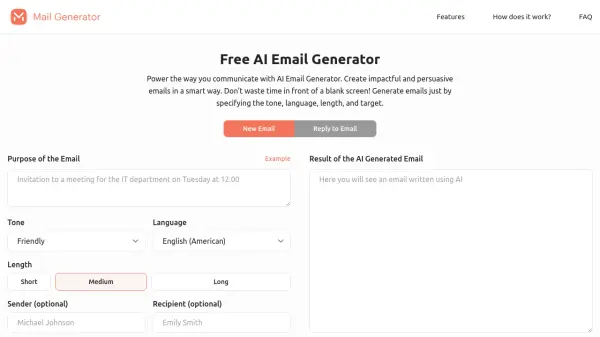
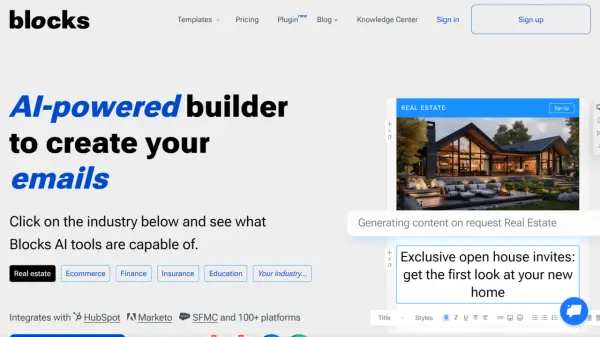
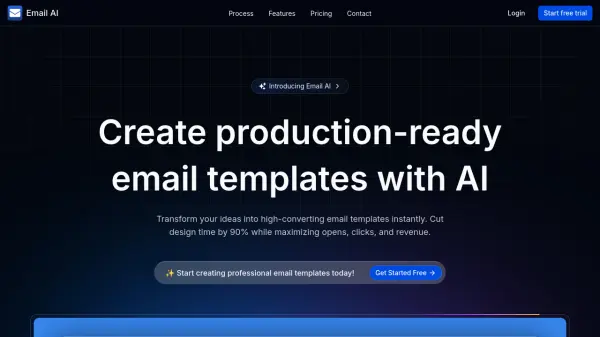
Email AI is an innovative platform that leverages artificial intelligence to generate production-ready email templates from user prompts or uploaded reference images. The tool converts ideas into responsive, code-ready templates optimized for maximum opens, clicks, and revenue, significantly reducing design time while ensuring compatibility across all email clients and device sizes.
Users can fine-tune templates in an interactive studio with real-time previews, device emulation, and responsive testing, then export clean, well-structured code as React components or HTML/CSS. The platform includes features for sending test emails to verify inbox appearance and integrates with GitHub for version control, making it suitable for both individual marketers and development teams seeking efficient email template creation.
Features
- Dual Code Export: Export templates as React components and HTML/CSS code for flexibility in any project
- Interactive Studio: Real-time preview with device emulation and responsive testing built-in
- Test Emails Instantly: Send test emails to see exactly how templates look in real inboxes
- Responsive by Default: Templates work perfectly across all email clients and device sizes
- Developer-Friendly: Clean, well-structured code following best practices for email template development
- Integrations: GitHub integration for exporting, syncing, and managing templates
Use Cases
- Generating high-converting email templates from AI prompts
- Creating responsive email designs from uploaded reference images
- Exporting production-ready code for marketing campaigns
- Testing email templates across different devices and email clients
- Collaborating on email template development with team members
FAQs
-
What are credits used for in Email AI?
Credits are used to generate email templates, with 1 credit equaling 1 template creation. -
Can I export email templates in different code formats?
Yes, Email AI supports dual code export, allowing you to export templates as both React components and HTML/CSS code. -
Does Email AI offer a free trial?
Yes, Email AI offers a free trial with 10 free credits to start creating email templates instantly. -
How does the interactive studio work?
The interactive studio provides real-time previews as you customize templates, with device emulation and responsive testing built-in for accurate design adjustments. -
Are there any integrations available with Email AI?
Email AI currently integrates with GitHub for exporting, syncing, and managing templates, with more integrations planned for the future.