What is Blocks?
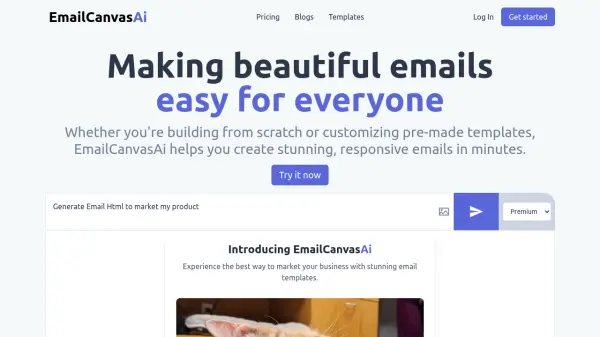
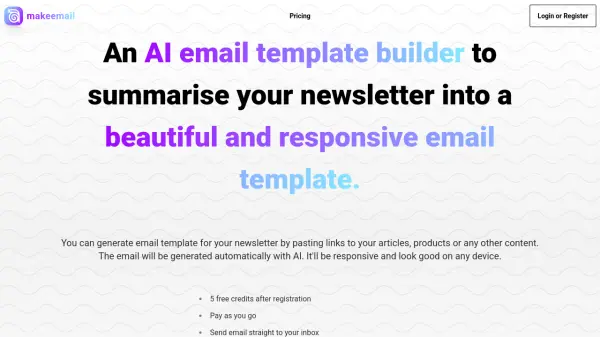
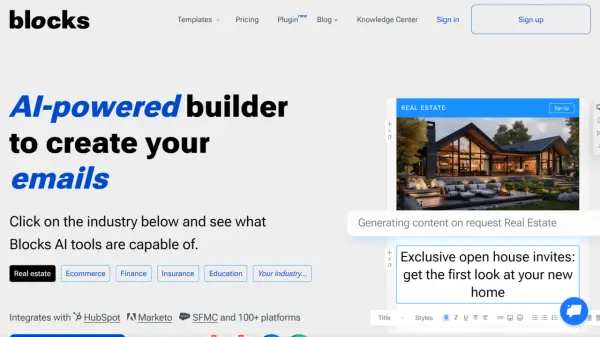
This platform empowers users to design attractive, high-quality email templates without needing any coding knowledge. Simply provide your requirements, and the platform's AI-powered system generates the necessary code, providing a streamlined, no-code email design solution.
The platform offers collaborative features, allowing team members to work together on projects. It also integrates an AI assistant to help with email copy and brainstorm ideas, alongside a built-in image center for previewing and editing visuals.
Features
- No-Code Email Design: Create high-quality email templates without coding.
- AI Assistant: Elevate email copy and brainstorm ideas with built-in AI.
- Image Center: Preview and edit visuals with a built-in image center.
- Responsive Emails: Create emails tested across multiple devices.
- Team Collaboration: Add team members and work together on projects.
- 150+ Customizable Templates: Edit pre-designed templates quickly.
- Integrations: Export templates to 100+ platforms, including HubSpot, Marketo, and SFMC.
Use Cases
- Creating marketing email campaigns
- Designing transactional emails (order confirmations, shipping updates)
- Building newsletters
- Developing promotional emails
- Generating event invitations
- Crafting welcome emails for new subscribers
- Creating re-engagement emails
FAQs
-
If I don't see my ESP listed, are your templates compatible?
It’s likely our templates are still compatible with whatever provider you’re using. However, if you want to make sure of this, feel free to contact our developers using the live chat function on our home page.