What is MJML Email Builder?
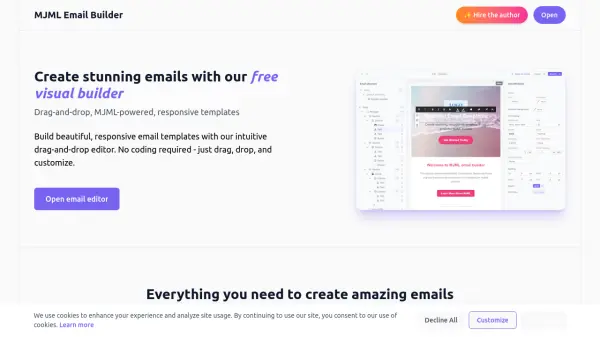
MJML Email Builder offers a comprehensive, user-friendly platform for designing visually appealing and fully responsive email templates. Leveraging the power of MJML, users can utilize an intuitive drag-and-drop editor to easily add elements like text, images, and buttons without any coding experience required.
Equipped with features such as import/export options (MJML, HTML, JSON), integrated S3 file management for seamless file uploads, and the ability to save custom blocks for reuse, this tool ensures efficiency and flexibility. Real-time previews and automatic responsive optimization guarantee that your emails look perfect on any device, enhancing both workflow and results.
Features
- Drag & Drop Builder: Intuitive editor for building responsive email layouts without coding.
- Real-Time Preview: Instant visualization of email design updates.
- Import & Export: Easily import templates and export designs in MJML, HTML, or JSON formats.
- Responsive Design: Ensures emails display perfectly across desktop, tablet, and mobile devices.
- S3 File Manager: Integrated file management for uploading and organizing images and attachments.
- Save Custom Blocks: Reuse frequently used sections and components across multiple emails.
Use Cases
- Designing fully responsive marketing email templates.
- Exporting email templates in HTML or MJML for newsletter platforms.
- Customizing transactional emails for SaaS products.
- Creating branded email campaigns without any coding knowledge.
- Quickly prototyping email layouts with real-time previews.