What is Mailto Live?
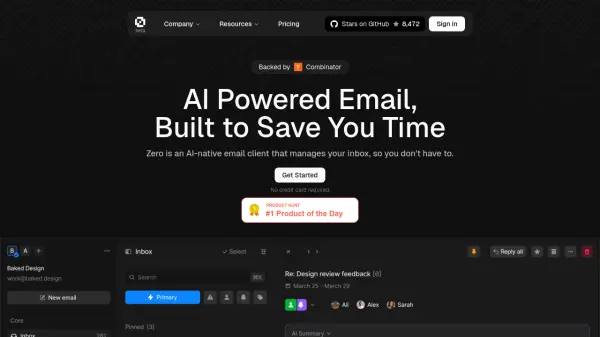
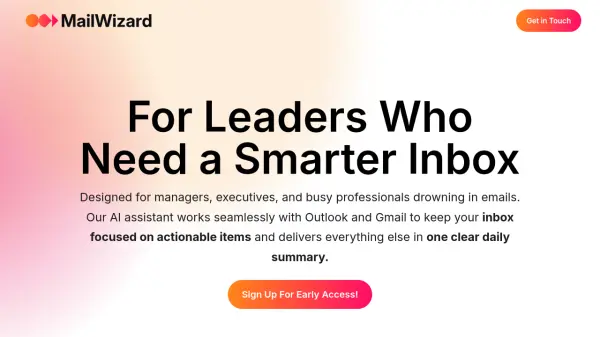
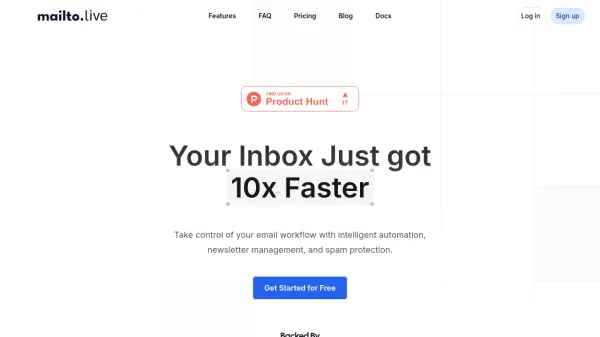
Mailto Live is an AI assistant designed to transform your inbox from chaos to clarity. It helps automate email management, enabling users to focus on essential tasks by handling predictable and repetitive email-related activities.
The tool offers features to automate replies by setting custom rules for AI-drafted responses, intelligently organizing emails based on preferences, and facilitating natural language instructions without requiring any coding. It empowers users to efficiently manage their email workflow and boost productivity.
Features
- Automate your replies: Set custom rules and let AI draft perfect responses to common emails.
- Intelligent organization: Automatically sort, label, and prioritize emails based on your preferences and workflow.
- Natural instructions: No coding needed - just tell your assistant what you want in plain English.
- Bulk Email Unsubscriber: Bulk unsubscribe from emails in one click.
- One-click unsubscribe: Unsubscribe in a click, or auto archive instead.
- Cold Email Blocker: Automatically filter sales pitches and cold emails.
- Inbox Analytics: Understand your inbox, including who emails you most and the types of emails you receive.
Use Cases
- Automating responses to common email inquiries.
- Managing and organizing email inboxes.
- Unsubscribing from unwanted newsletters.
- Blocking unsolicited sales and cold emails.
- Analyzing email data to understand inbox activity.
FAQs
-
Can I still use Mailto Live alongside my current email client?
Yes! Mailto Live is intended to be used alongside your existing email client. -
Which email providers does Mailto Live support?
Currently, Mailto Live supports Gmail and Google Workspace accounts. We are exploring the possibility of adding support for other providers like Outlook in the future. -
How does Mailto Live help me manage my inbox better?
Mailto Live utilizes AI to automate repetitive tasks, such as replying to common inquiries and unsubscribing from unwanted newsletters. This allows you to focus on more important emails and reduces the time spent managing your inbox. -
Will my data be secure with Mailto Live?
We prioritize user privacy and security. Mailto Live uses third-party tools to process email data and has passed Google’s secure platform tests, ensuring that user security is maintained at all levels. -
Do you offer refunds?
If you don’t think we provided you with value, send us an email within 14 days of upgrading, and we’ll refund you.