Macaify favicon

Macaify
Unlock AI smarts on any Mac app

What is Macaify?

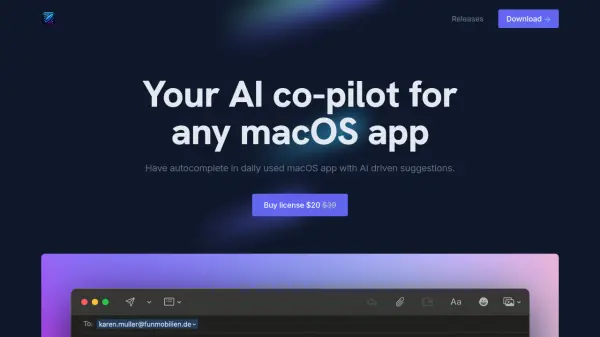
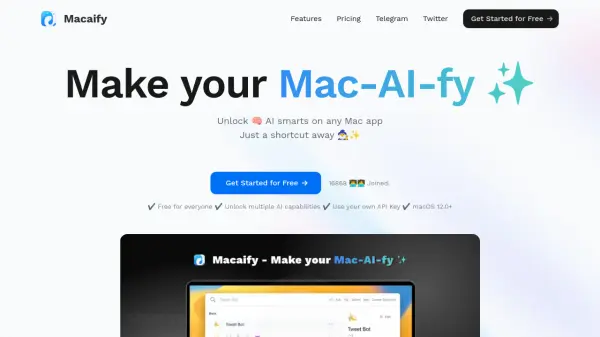
Macaify transforms the way users interact with AI on macOS by integrating intelligent capabilities seamlessly into any application. With a simple shortcut key, users can instantly access AI functions without switching between apps, making it an efficient solution for text processing, code generation, and various automation tasks.

The platform offers over 1000 predefined robot templates and allows users to customize AI robots according to their specific workflow needs. Supporting macOS 12.0 and above, Macaify emphasizes keyboard-centric operation and provides both free and premium features, including the flexibility to use personal API keys.

Features

  • One-Key Access: Execute AI tasks in any Mac app with a single shortcut
  • Customizable Robots: Create and modify AI robots for specific workflow needs
  • Template Library: Access to 1000+ predefined robot templates
  • Keyboard-Centric: Complete mouse-free operation with shortcut key prompts
  • API Key Integration: Support for custom API key usage
  • Universal Compatibility: Works with macOS 12.0+

Use Cases

  • Text processing in any Mac application
  • Code generation and development tasks
  • Workflow automation
  • Document editing and enhancement
  • Content creation and modification

FAQs

  • What are the system requirements for Macaify?
    Macaify requires macOS 12.0 or higher to run.
  • Can I use my own API key with Macaify?
    Yes, Macaify allows users to use their own API keys for AI operations.
  • How many robot templates are available?
    Macaify offers over 1000 predefined robot templates for various tasks.

Related Queries

Helpful for people in the following professions

Related Tools:

Blogs:

  • Top 6 AI note-taking tools for 2026: in-person, online, and hybrid use cases

    Top 6 AI note-taking tools for 2026: in-person, online, and hybrid use cases

    Most AI note-taking lists are really lists of meeting bots, which join your video call and transcribe it. That's useful, but it's half the picture. Decisions happen in hallway conversations, client dinners, on-site visits, and hybrid rooms where nobody is on a video link. This guide covers different parts of the note-taking workflow: hardware capture for in-person settings, platform-native tools for online calls, and AI layers for organizing and synthesizing what you've captured. It compares six tools by capture context, workflow fit, pricing, and limitations.

  • Long Videos into Viral Shorts

    Long Videos into Viral Shorts

    Klap.app is an AI-powered video editing tool that transforms long-form videos into engaging short clips optimized for platforms like TikTok, Instagram Reels, and YouTube Shorts

  • Best AI tools for Room Design

    Best AI tools for Room Design

    Discover cutting-edge AI tools that redefine the art of room design. From layout optimization to aesthetic finesse, these top-tier tools enhance your space to new heights.

  • Best Content Automation AI tools

    Best Content Automation AI tools

    Streamline your content creation process, enhance productivity, and elevate the quality of your output effortlessly. Harness the power of cutting-edge automation technology for unparalleled results

Didn't find tool you were looking for?

Be as detailed as possible for better results