
What is Onit?
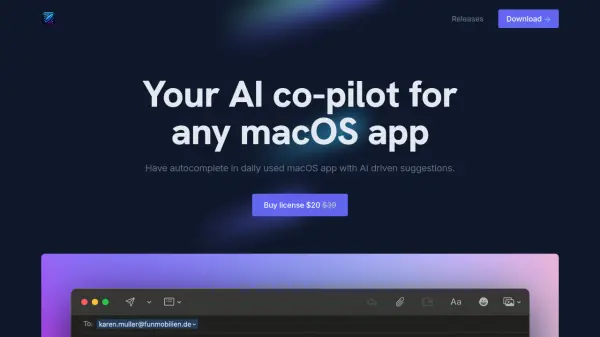
Onit provides an integrated AI assistant experience directly within your macOS environment. It manifests as a discreet handle on the edge of your application windows, which, when clicked, opens an AI sidebar ready for interaction. This eliminates the need to switch between different applications or tabs to utilize AI capabilities, streamlining workflows significantly.
The tool enhances productivity by automatically using content from your active application or selected text as context for AI prompts. Users can highlight text, such as error messages, paragraphs, or code snippets, and Onit instantly loads this content for querying. It also offers an auto-context feature that uses the entire docked window's content, removing manual copy-pasting. Onit supports various AI models, allowing users to connect providers via API and switch models as needed. For privacy-conscious users, a 'Local Mode' ensures all processing occurs on the user's machine without cloud interaction.
Features
- Integrated AI Sidebar: Access AI assistance directly within any Mac application via a side handle.
- Highlight Text Context: Highlight text in any app, and Onit automatically uses it as context for AI prompts.
- Auto-Context: Automatically uses the content of the currently docked application window as context, eliminating copy-pasting.
- Provider Agnostic: Connect and switch between various AI models and providers via API.
- Local Mode: Option to run entirely on the user's machine for enhanced privacy, with no cloud interaction.
- AI Profiles: Create custom AI profiles with specific system prompts and app-specific defaults.
- File Upload: Drag-and-drop or upload files for AI processing.
- Code Block Support: Enhanced handling for writing, editing, and exploring code snippets.
- Chat History: Browse global or application-specific conversation history.
- Voice Input: Interact with the AI using voice commands.
- Web Search: Allows the AI to search the web for up-to-date information.
- LaTeX Support: Renders LaTeX equations within the interface.
Use Cases
- Getting quick AI answers about content within any Mac app.
- Drafting or refining text (e.g., emails, documents) using highlighted content.
- Debugging code by highlighting error messages or snippets.
- Summarizing information from web pages or documents without leaving the app.
- Generating content based on the context of the current application.
- Performing research using web search capabilities directly within the workflow.
- Working with sensitive data using the local mode for privacy.