What is Alter?
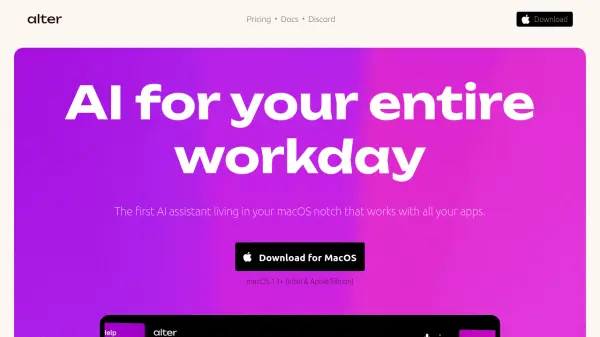
Alter is the first AI assistant that lives in your macOS notch and works seamlessly with all your applications. Powered by advanced AI models, it offers context-aware interactions, allowing you to perform tasks more efficiently.
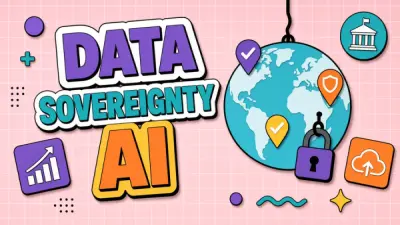
Alter provides robust privacy features. Your chats are encrypted locally, and the tool does not store your data for model training. It also supports local models for completely offline operation, giving user complete control over data.
Features
- Voice Commands: Quick prompt with speech-to-text and dictation mode using the mic on your notch.
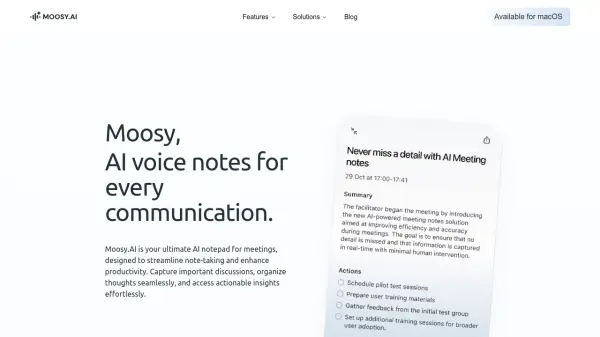
- Meeting Recordings: Record any meeting, get instant actionable notes. Works with online software and in-person.
- AI Models Hub: Access 50+ AI models. Use them in Alter or power your other tools with our OpenAI compatible endpoint.
- System-wide Integration: Work with files, folders, emails, and screenshots directly from Finder and Apple Mail.
- Smart Workspaces: Group and monitor collections of files and folders for easy access and automatic indexing.
- YouTube Integration: Automatically extract and summarize YouTube video transcripts when available. No browser extension required.
- Custom Actions: Create your own context-aware AI workflows and pin your favorites for quick access.
- Privacy First: Run locally with Ollama or LM Studio, or use your own API keys for complete control.
- Rich Content Creation: Create presentations, AI images,interactive charts, diagrams, download or share them on the web.
Use Cases
- Enhance daily workflow with voice-activated commands.
- Record and transcribe meetings for detailed notes and insights.
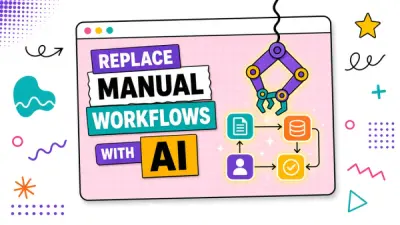
- Automate tasks with custom, context-aware AI actions.
- Streamline file and folder management with smart workspaces.
- Quickly summarize YouTube videos.
- Create rich content like presentations and AI images.