What is LinkedHub?
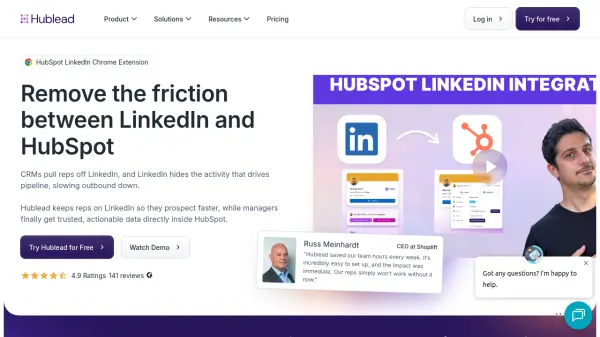
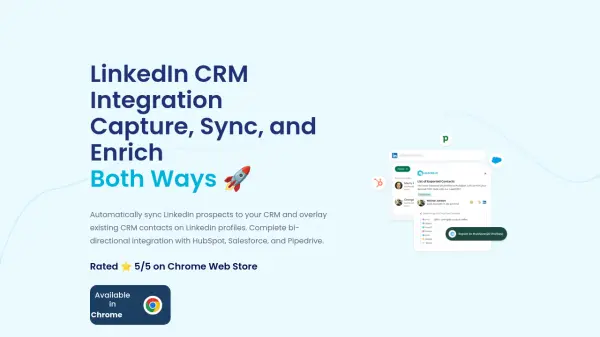
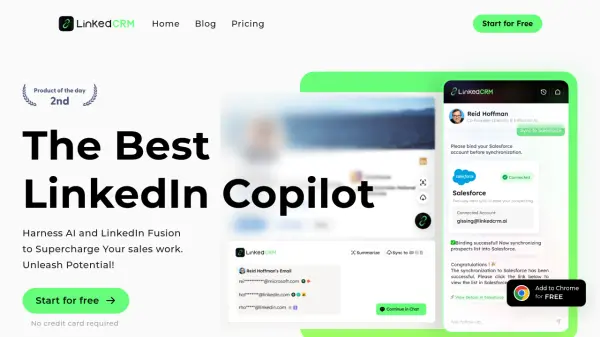
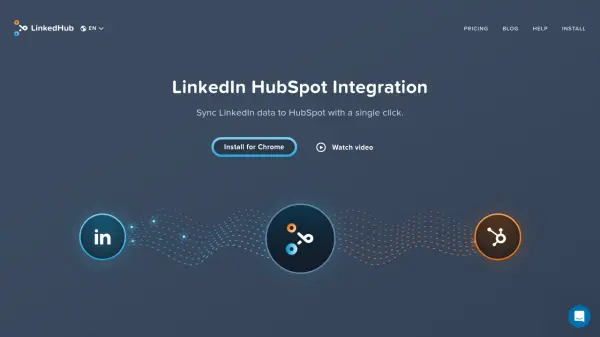
LinkedHub provides a powerful integration between LinkedIn and HubSpot, enabling users to efficiently transfer profile details, contact information, company data, and conversation history from LinkedIn to HubSpot with a single click. This solution reduces the need for manual data entry, allowing sales professionals to focus on selling rather than administrative tasks and making team collaboration easier through automated contact synchronization.
Designed for scalability, LinkedHub ensures that when a team member syncs a contact, the data is instantly available to the entire sales team within HubSpot. The tool supports Chrome installation and works by simply visiting a LinkedIn profile and selecting the sync option, streamlining the workflow and saving valuable time for users engaged in lead generation and CRM management.
Features
- One-Click Sync: Instantly transfers LinkedIn profile data to HubSpot.
- Full Data Capture: Imports conversation, contact, and company information.
- Team Syncing: Automatically shares synced contacts across the sales team.
- Chrome Extension: Easy installation and use via Chrome browser.
- Real-Time Update: Provides immediate data access in HubSpot upon syncing.
Use Cases
- Import LinkedIn contacts into HubSpot for CRM management.
- Update company and contact details for effective lead generation.
- Synchronize LinkedIn conversation data for sales tracking.
- Enable team-wide access to updated LinkedIn information in HubSpot.
- Reduce time spent on manual data entry during prospect research.
FAQs
-
What versions of LinkedIn are compatible?
LinkedHub is compatible with all standard versions of LinkedIn. -
Is data automatically updated after syncing?
Once a contact is synced, it is available to the entire team in HubSpot instantly. -
When does the contact limit refresh?
The contact limit refreshes according to the monthly subscription cycle. -
How can I cancel my subscription?
You can cancel your LinkedHub subscription by following the instructions on their Help or Pricing page. -
What forms of payment are accepted?
LinkedHub accepts multiple forms of payment as detailed in their pricing and FAQ sections.