What is LinkedCRM AI?
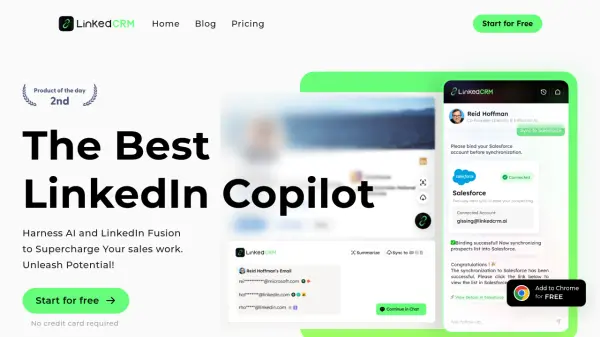
LinkedCRM AI is a powerful tool designed to enhance sales productivity on LinkedIn. It acts as a comprehensive copilot, leveraging artificial intelligence to streamline prospecting and outreach.
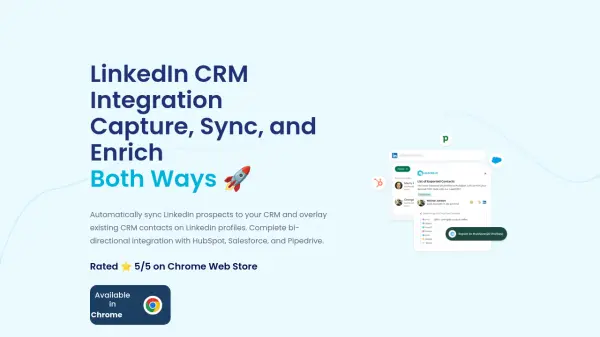
The core functionality resides within a Chrome extension, facilitating seamless integration with CRMs like Salesforce, Notion, HubSpot, and Google Sheets. LinkedCRM AI aggregates email finders, achieving a 98% accuracy rate. It also summarizes LinkedIn profiles, assists in AI strategy, and generates emails using GPT-4o.
Features
- LinkedIn Email Finder: Integrates multiple enrichment tools to achieve a 98% email accuracy rate.
- One-Click CRM Sync: Adds LinkedIn data to your CRM (Salesforce, Notion, HubSpot, Google Sheets) with a single click.
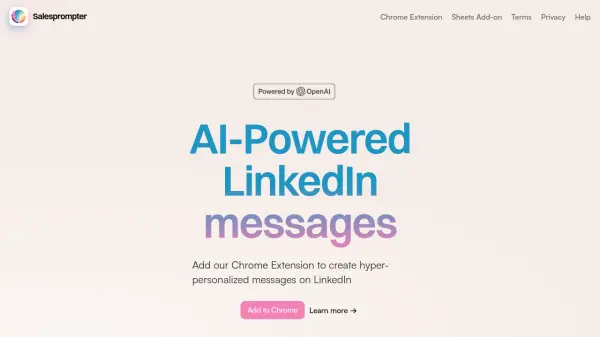
- AI-Powered Prospecting: Leverages GPT-4o to summarize user information and generate ice-breaking scripts.
- AI Email Generation: Summarizes important emails and automatically composes replies based on context.
- Seamless Data Connectivity: Add contacts to your CRM and find professional email addresses with just one click, natively within LinkedIn.
Use Cases
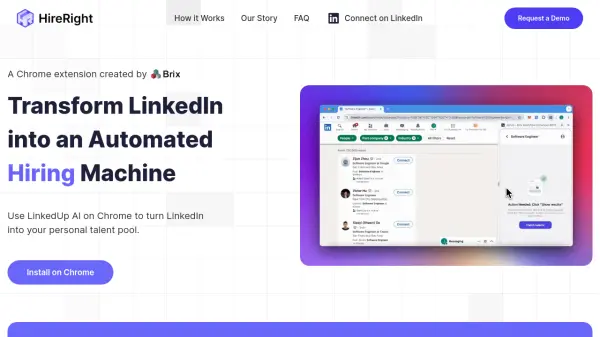
- Streamlining LinkedIn prospecting
- Finding verified email addresses of potential clients
- Syncing LinkedIn contact data with CRMs
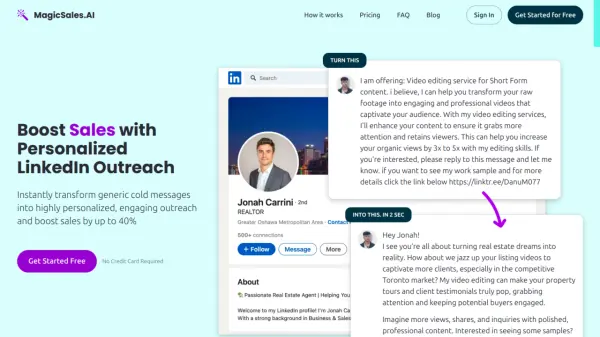
- Generating personalized outreach emails
- Automating follow-ups with LinkedIn connections
- Managing Linkedin connections
FAQs
-
What exactly is LinkedCRM?
LinkedCRM is a LinkedIn Copilot and does not clearly explain what exactly is. -
Is LinkedCRM free to use?
LinkedCRM offers a free plan with limited credits, as well as paid plans with more features and credits. -
How do I get started with LinkedCRM?
LinkedCRM does not clearly explain it. -
Is my data secure on LinkedCRM?
LinkedCRM does not clearly explain it. -
What are the main problems your product solves?
LinkedCRM does not clearly explain it.