What is Lightkey?
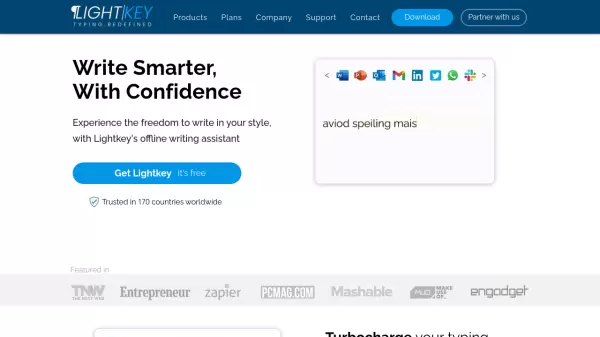
Lightkey is an innovative AI-powered writing assistant that revolutionizes the typing experience by learning users' unique writing patterns and predicting up to 18 words, including punctuation marks. Operating entirely offline to ensure privacy, it provides real-time error corrections and supports over 60 industry-oriented content domains including technology, academia, and legal sectors.
The tool seamlessly integrates with Microsoft Office suite (2010-2021 and Office 365) and offers Chrome and Edge extensions that enable its functionality across millions of websites. Its serverless, on-premises solution ensures privacy-first deployment while delivering personalized text predictions and productivity metrics.
Features
- Personalized Predictions: Text predictions adapted to individual writing style
- Real-time Corrections: Instant error detection and correction while typing
- Full Sentence Prediction: Up to 18-word predictions including punctuation
- Cross-platform Integration: Works with Office, Chrome, Edge, and millions of apps
- Privacy-First: Serverless, on-premises solution with no cloud submission
- Productivity Metrics: Performance tracking over time
- Accessibility Support: Optimized for dyslexia, SpLD, ADHD, and visual impairment
- Sound Assistance: Auditory notifications for non-touch typists
Use Cases
- Email composition
- Document writing
- Social media posting
- Business communication
- Academic writing
- Professional documentation
- Accessibility assistance
- Team collaboration
FAQs
-
Is Lightkey safe to use?
Yes, Lightkey never submits content to the cloud, is trusted by Fortune 500 companies, and follows industry's best practices for cybersecurity and privacy. -
Why should I Upgrade to Pro?
Lightkey Pro offers unlimited predictions and advanced features that maximize productivity. -
How do I install Lightkey?
Download Lightkey, click on install, take the quick tutorial and you're ready to go. A step-by-step installation guide is available if needed.