What is LaunchFast?
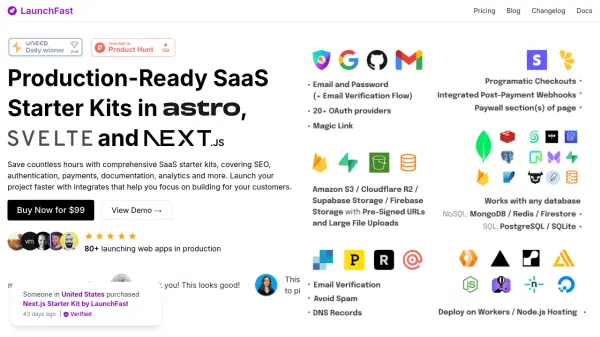
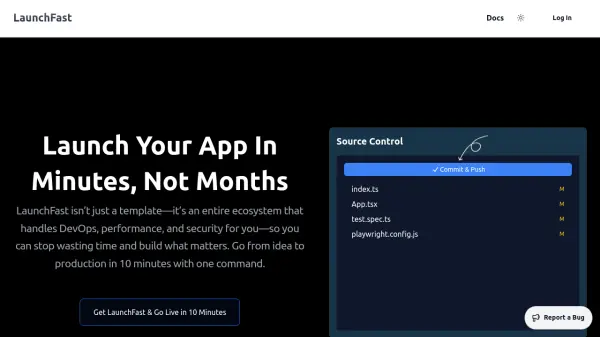
LaunchFast streamlines the process of building, deploying, and scaling web applications by offering an all-in-one ecosystem that handles DevOps, performance, and security. By providing a pre-configured technology stack with features like authentication, databases, payments, testing, and security, developers can move from initial concept to production deployment in just 10 minutes using a single CLI command—no manual setup required.
Focused on maximizing productivity, LaunchFast incorporates automated workflows, zero-downtime deployments, real-time monitoring, advanced security measures, and seamless scaling abilities. It removes tedious configuration steps and ensures best practices are integrated from the start, empowering developers to focus on coding and delivering high-quality applications more efficiently.
Features
- Single CLI Deployment: Deploy a full-stack web app in one command within 10 minutes
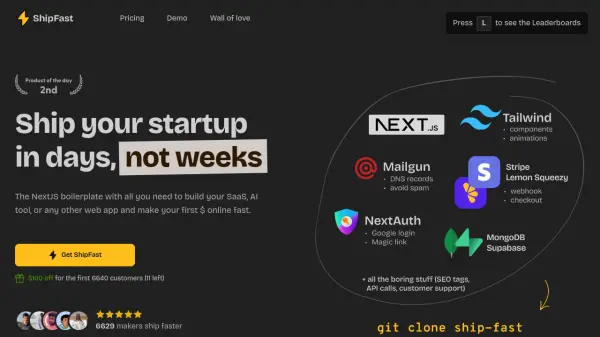
- Pre-configured Stack: Integrated authentication, database, UI components, payments, and testing
- Automated CI/CD Pipelines: Docker and GitHub Actions enabled for seamless continuous deployment
- Zero-Downtime Deployments: Update apps without interrupting users
- Performance Optimization: Server-side rendering, image optimization, and in-memory cache
- Real-Time Monitoring: Performance logs, error tracking, and real-time analysis
- Advanced Security: Built-in 2FA, passkey login, rate limiting, and Stripe payment integration
- Testing Suite: End-to-end and unit testing preconfigured with Playwright and Vitest
- Staging/Production Management: Automated environment set up linked to code branches
- Edge Native Capability: Fast, scalable infrastructure for modern web applications
Use Cases
- Rapid deployment of MVPs for startups
- Launching new SaaS or e-commerce products
- Automating DevOps workflows for development teams
- Building secure, high-performance business applications
- Streamlining testing and monitoring for web projects
- Scaling web applications with minimum effort
- Improving code quality and reducing bugs automatically
FAQs
-
How does LaunchFast compare to using free tools or manual setup?
LaunchFast offers a fully integrated, pre-configured environment that eliminates manual configuration and tool integrations, saving developers significant time compared to piecing together free tools individually. -
What is included in the one-time payment for LaunchFast?
The one-time payment grants lifetime access to the complete LaunchFast ecosystem, which covers everything from developer experience and DevOps to testing, monitoring, performance optimization, and security. -
Is there a refund policy for LaunchFast?
As LaunchFast is delivered as a digital product, refunds are generally not provided. However, exceptional cases may be considered by directly contacting support. -
Does LaunchFast support payment integrations?
Yes, LaunchFast provides built-in payment functionality, including one-time, recurring, and metered payments through Stripe integration. -
Are there staging and production environments included?
Yes, LaunchFast automatically configures both staging and production environments, which are linked to your code branches for streamlined development and deployment.