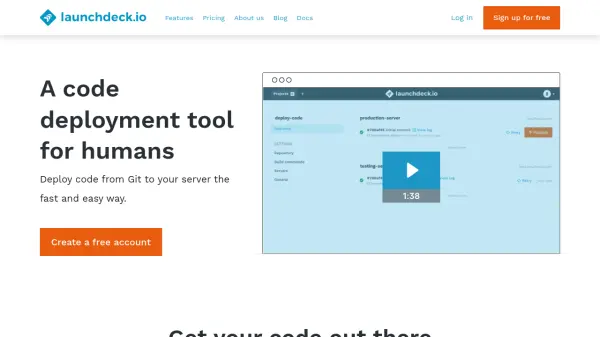
What is Launchdeck?
Launchdeck provides an automated solution for deploying code from Git repositories to servers, designed to simplify the deployment process with a user-friendly interface. It enables developers to set up deployments quickly without requiring server-side configuration, running builds in isolated containers on high-performance infrastructure for safety and speed.
The tool includes features such as zero-downtime deployments, build automation with caching, SSH commands for server tasks, encrypted configuration files, multiple deployment targets, and real-time logs. It supports various platforms like GitHub, Bitbucket, and GitLab, and is optimized for mobile use, allowing deployments and rollbacks from phones or tablets.
Features
- Zero-Downtime Deployments: Uploads new versions to separate directories first before updating symlinks to bring them online, ensuring sites never go down during updates.
- Build Automation: Automatically installs dependencies, runs tests, compiles code, and more with a unique built-in caching system for faster builds.
- SSH Commands: Allows running shell commands on servers before or after deployments for tasks like restarting services or running database migrations.
- Configuration Files: Stores sensitive information such as database credentials in encrypted server-specific config files, keeping them excluded from repositories.
- Multiple Deployment Targets: Deploys to one or more servers using delivery methods such as FTP, SFTP, and SSH for flexible deployment options.
- Realtime Logs: Synchronizes logs to the browser in real time during every step of the deployment process for easy tracking.
Use Cases
- Deploying static websites to servers
- Deploying PHP applications or Laravel projects
- Deploying React applications
- Deploying WordPress sites
- Managing deployments across multiple staging environments
- Automating build processes for code compilation and testing
- Handling database migrations during deployments
- Running server commands before or after deployments
FAQs
-
Can I use Launchdeck for free?
Yes, the basic plan is free and includes all features, requiring only an email address to start, with usage limits. -
How does upgrading and downgrading work?
You can upgrade or downgrade at any time with instant availability, using prorations for costs and adjustments on invoices. -
Can I cancel my account easily?
Yes, all plans are billed monthly and can be canceled anytime via billing settings, switching to the basic plan and stopping charges. -
What payment methods do you accept?
Visa, Mastercard, and American Express are accepted, with card details securely handled by Stripe. -
Can I pay in another currency?
Charges are in local currency based on exchange rates to EURO at purchase time, with possible conversion fees by credit card companies.