
What is Kuart?
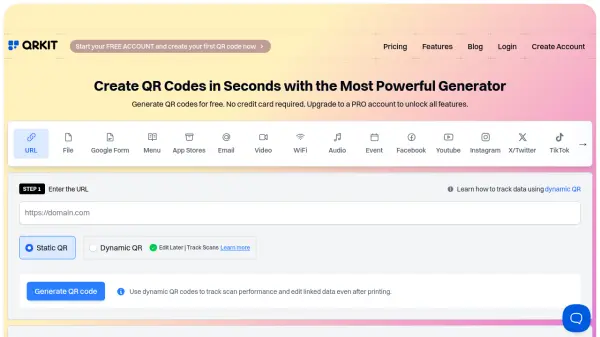
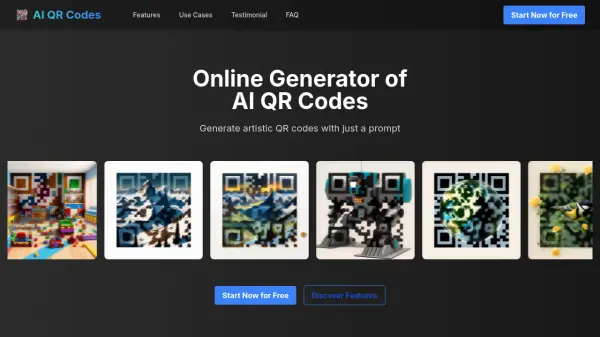
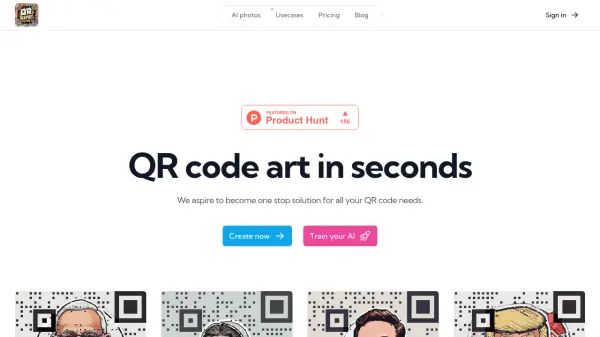
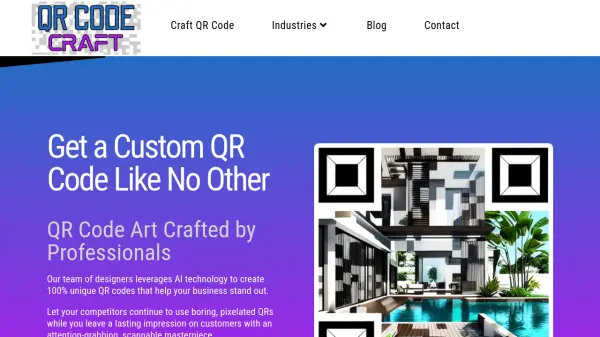
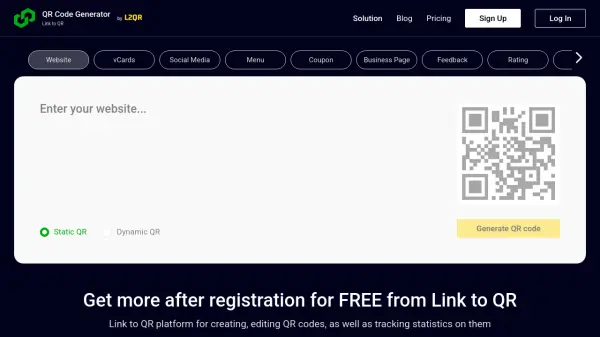
Kuart offers a user-friendly interface to generate QR codes readily accessible to individuals and businesses alike. This platform enables users to select from various templates, input their desired text, and have the generated QR code sent directly to an email. Kuart streamlines the process of integrating QR technology into marketing and operational strategies, catering to the growing demand for digital interactivity.
Features
- Customizable Templates: Allows users to choose from a range of QR code templates for different use cases.
- Direct Email Feature: Send generated QR codes directly to a specified email address for easy distribution.
Use Cases
- Business marketing materials
- Digital interactivity for events
- Contactless information sharing
- Product packaging links
FAQs
-
Can I customize the appearance of the generated QR codes?
Yes, Kuart offers customizable templates for users to choose from. -
How can I share the generated QR codes?
You can send the generated QR codes directly to a designated email address for easy distribution. -
Are there specific use-cases for this tool?
Kuart is ideal for business marketing materials, digital interactivity at events, contactless information sharing, and product packaging links.