What is Link to QR?
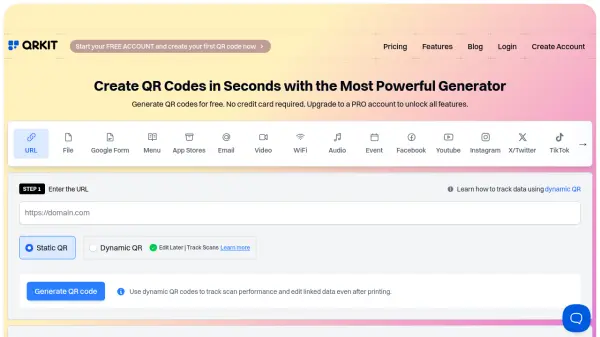
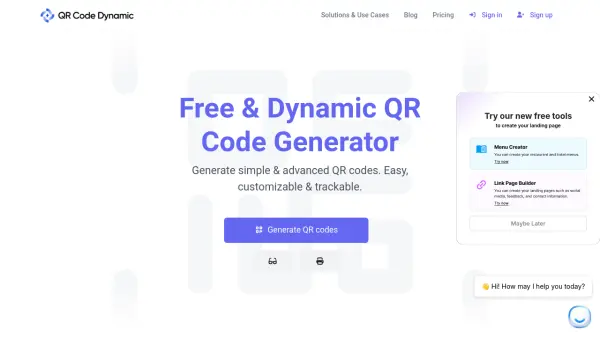
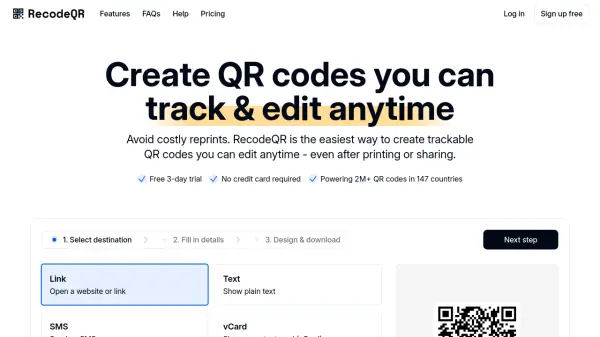
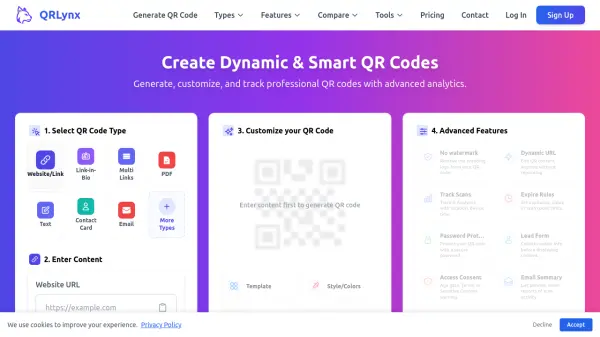
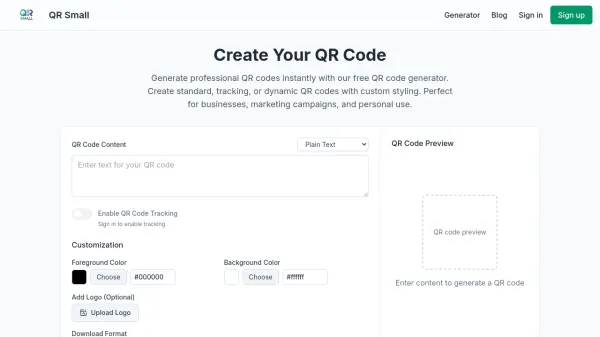
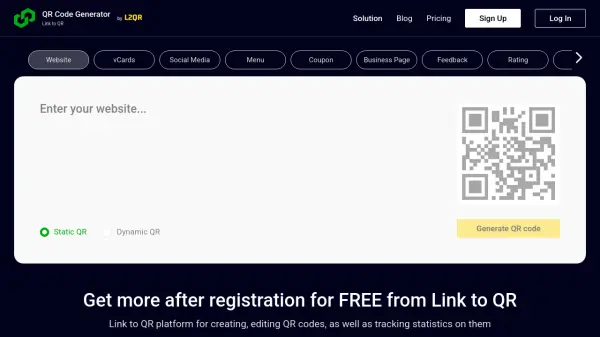
Link to QR is a versatile platform designed for seamless QR code generation, customization, and analytics. Users can easily create dynamic or static QR codes tailored to a wide array of use cases, including business pages, digital business cards, events, coupons, menus, social media, feedback, and more. The platform supports personalized QR code designs with options for unique patterns, logos, colors, and frames, enhancing brand recognition and customer engagement.
Beyond simple code creation, Link to QR empowers users to manage and organize their QR codes by team, campaign, or stage, streamlining workflow and improving productivity. The advanced analytics suite tracks scans by location, device type, and time, providing real-time insights to optimize campaigns. Users benefit from unlimited updates on commercial packages, GDPR compliance, and comprehensive customer support, making Link to QR an ideal choice for individuals and organizations investing in effective QR code-driven marketing strategies.
Features
- Dynamic QR Code Generation: Create QR codes with editable destination URLs and tracking capabilities.
- Static QR Code Creation: Generate permanent QR codes for simple sharing without tracking.
- Design Customization: Personalize QR codes with patterns, brand colors, logos, frames, and data backgrounds.
- Organizational Management: Group and sort QR codes by team, campaign, or stage for streamlined workflow.
- Advanced Analytics: Track the number, location (GPS coordinates), device type, and timing of QR code scans.
- Pre-designed Templates: Use templates for menus, vCards, app downloads, and more.
- Multiple Download Formats: Export QR codes in formats such as PNG, JPG, PDF, and SVG.
- Real-Time URL Updates: Update dynamic QR code destinations instantly without reprinting.
- Comprehensive Support: Benefit from a knowledge base, email support, and dedicated customer success managers on higher tiers.
- GDPR Compliance: Ensures user data protection and privacy.
Use Cases
- Enabling customers to access digital menus in restaurants via QR codes.
- Promoting social media profiles or campaigns with encrypted QR code links.
- Enhancing event marketing through customizable QR codes for event details.
- Providing digital business cards for networking and corporate communication.
- Distributing promotional coupons on public transport and printed materials.
- Collecting customer feedback on product packaging with feedback QR codes.
- Sharing product ratings and reviews instantly via QR codes.
- Offering instant access to brand videos for transparency and engagement.
- Sharing PDF documents such as menus or catalogs without physical reprints.
- Showcasing image galleries from past events to potential clients.
FAQs
-
Can I update the destination link of my QR code after it has been printed?
Yes, with Link to QR's dynamic QR codes, you can update the destination URL any time without needing to reprint the code. -
Do you provide analytics on QR code scans?
Link to QR provides advanced analytics, allowing users to track scans by time, location, device type, and more. -
Is it possible to customize the visual appearance of my QR codes?
Yes, you can personalize QR codes with unique shapes, brand colors, logos, frames, and various patterns. -
What formats can I download my QR codes in?
QR codes can be exported in digital and print formats including PNG, JPG, PDF, and SVG. -
Are there free and paid packages available?
Link to QR offers a free package for individuals and several paid tiers for enhanced features and usage.