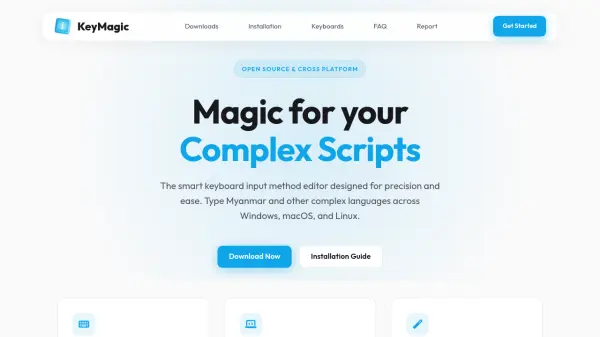
What is KeyMagic?
KeyMagic is a smart keyboard input method editor (IME) specifically engineered for typing complex scripts like Myanmar across multiple operating systems. It provides context-aware input and automatic reordering to ensure precision and ease when handling intricate writing systems. The tool works seamlessly across various applications, including Adobe Suite, Microsoft Office, and modern web browsers, offering a consistent typing experience on Windows, macOS, and Linux platforms.
With support for Unicode standards and custom layout engines, KeyMagic allows users to add, edit, and manage keyboard layouts through a powerful graphical user interface. Its cross-platform design ensures that users can maintain their typing workflow regardless of the operating system, making it an essential tool for anyone working with complex scripts in professional or personal settings.
Features
- Smart Layouts: Intelligent handling of complex scripts with context-aware input and automatic reordering
- System Wide: Works flawlessly across Adobe Suite, Microsoft Office, and all modern web browsers
- Easy Customization: Powerful GUI to add, edit, and manage your keyboard layouts with ease
- Cross-Platform: Compatible with Windows 10 & 11, macOS (Intel & Apple Silicon), and Linux distributions like Ubuntu and Debian
- Unicode Support: Support for Unicode standard and custom layout engines
Use Cases
- Typing Myanmar language on computers
- Inputting complex scripts in professional documents
- Using custom keyboard layouts for specialized writing systems
- Ensuring consistent typing experience across different operating systems
- Managing keyboard inputs for linguistic research or education
FAQs
-
What operating systems does KeyMagic support?
KeyMagic supports Windows 10 & 11, macOS (Intel & Apple Silicon), and Linux distributions such as Ubuntu and Debian. -
Can KeyMagic be used with Adobe Suite and Microsoft Office?
Yes, KeyMagic works flawlessly across Adobe Suite, Microsoft Office, and all modern web browsers. -
Is KeyMagic free to use?
Yes, KeyMagic is an open-source project and is free to download and use. -
How can I customize keyboard layouts in KeyMagic?
KeyMagic provides a powerful graphical user interface (GUI) to add, edit, and manage keyboard layouts with ease. -
Does KeyMagic support Unicode standards?
Yes, KeyMagic supports Unicode standards and custom layout engines for handling complex scripts.