
What is JSONScope?
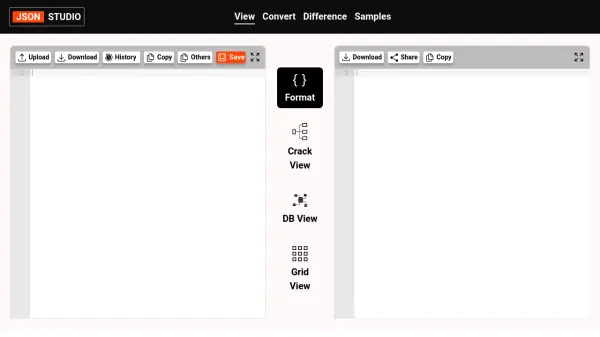
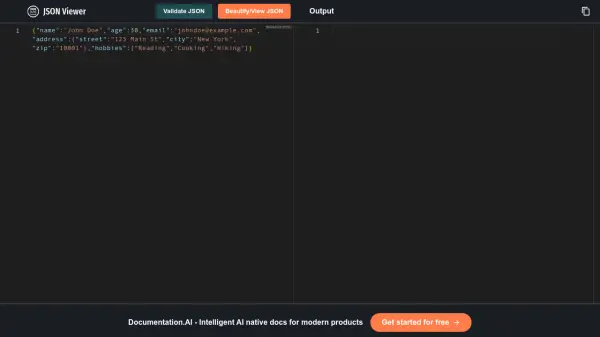
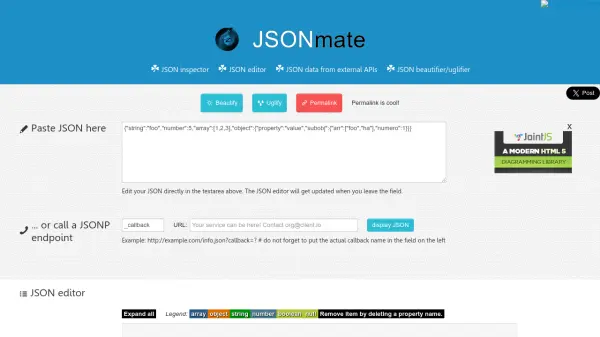
JSONScope is a comprehensive JSON viewer, formatter, and analyzer designed to transform complex JSON data into interactive visualizations. It provides an intuitive interface with expandable/collapsible nodes, advanced syntax highlighting, and tree view navigation to simplify exploration and understanding of JSON structures. The tool supports multiple documents for comparison and includes customizable visualization options such as edge types and grid styles.
Developed with modern web technologies, JSONScope operates entirely in the browser, ensuring data security by processing locally without sending information to external servers. It features powerful search and filter capabilities, JSON formatting with validation and error highlighting, and a responsive design that works seamlessly on both desktop and mobile devices. This makes it an essential resource for developers, data analysts, and anyone working with JSON data.
Features
- Interactive JSON Visualization: Transform JSON data into visual flowcharts with expandable/collapsible nodes
- Advanced JSON Editor: Provides syntax highlighting and validation with error highlighting
- JSON Tree View Explorer: Enables easy navigation and analysis of complex structures
- JSON Formatter and Beautifier: Offers customizable formatting options for better readability
- Search and Filter Tools: Includes powerful query capabilities to find specific data
- Multiple Document Support: Allows comparing different JSON files simultaneously
- Customizable Visualization: Options include edge types and grid styles for tailored views
- Responsive Design: Works on desktop and mobile devices for accessibility
Use Cases
- Debugging and analyzing JSON data structures in development projects
- Formatting and beautifying JSON files for improved readability and presentation
- Exploring complex JSON datasets through interactive tree views and diagrams
- Comparing multiple JSON documents to identify differences or inconsistencies
- Validating JSON syntax and highlighting errors during data processing
- Searching and filtering specific data within large JSON files for quick access
- Visualizing JSON data flows for documentation or educational purposes
- Working with JSON data offline in a secure, browser-based environment
FAQs
-
How does JSONScope ensure data security?
JSONScope processes all JSON data locally in your browser, meaning your data never leaves your device, ensuring complete security and privacy. -
What are the system requirements for using JSONScope?
JSONScope works with all modern browsers including Chrome, Firefox, Safari, and Edge, and requires no additional software or installations. -
Can I customize the visualization in JSONScope?
Yes, JSONScope offers customizable visualization options such as edge types and grid styles to tailor the display of JSON data according to your preferences.