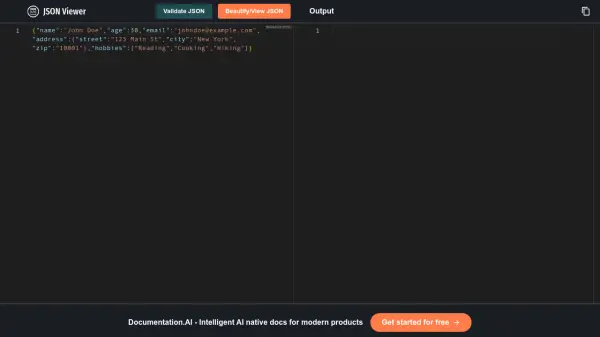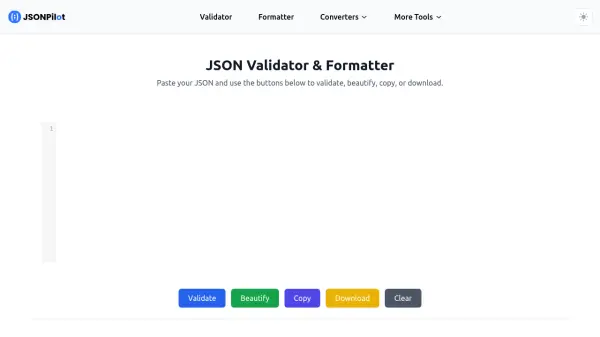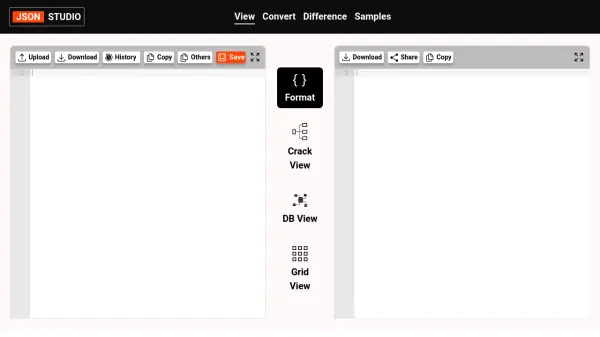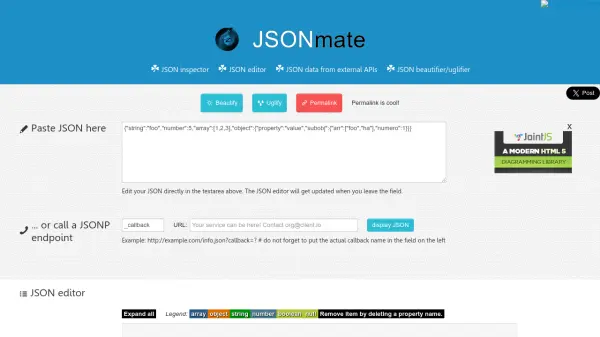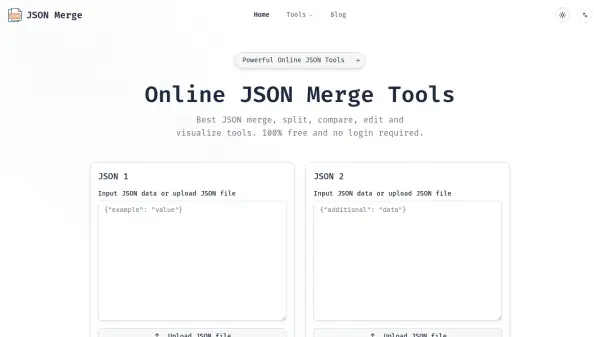
What is JSON Viewer?
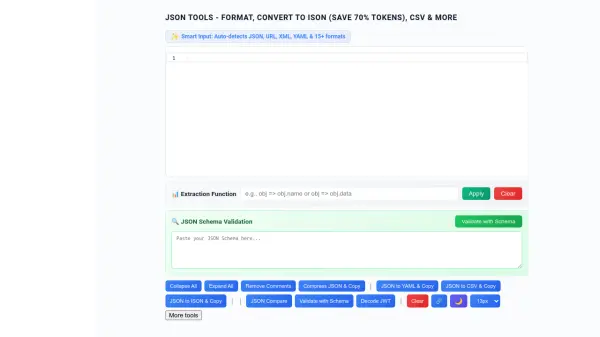
JSON Viewer provides a complete suite of tools for working with JSON data entirely within the browser environment. The platform enables users to format, validate, minify, beautify, and convert JSON to various formats including CSV, Excel, XML, YAML, TypeScript, and specialized formats like ISON and TOON. All processing occurs locally on the user's device, ensuring data privacy and security without server uploads.
The tool features smart input detection for multiple data formats, syntax highlighting with error detection, field extraction capabilities using JavaScript functions, and side-by-side JSON comparison with visual diff highlighting. Specialized formats like ISON offer up to 70% token savings for LLM applications, while TOON provides readable key-value formatting for configuration scenarios.
Features
- Smart Input Detection: Auto-detects JSON, URL parameters, XML, YAML, and 15+ formats
- JSON Conversion: Convert JSON to CSV, Excel, XML, YAML, TypeScript, ISON, TOON, and other formats
- ISON Format: Save up to 70% tokens with LLM-optimized table format for AI applications
- JSON Comparison: Compare two JSON files with visual diff highlighting (green=added, red=removed, yellow=changed)
- Field Extraction: Extract specific fields from complex JSON using JavaScript functions
- Local Processing: 100% browser-based processing with no data uploaded to servers
- Formatting Tools: JSON formatter, validator, minifier, beautifier with syntax highlighting and error detection
- Security Features: Works offline, privacy-first approach with secure local processing
Use Cases
- Formatting and validating JSON data for development projects
- Converting JSON to CSV or Excel for data analysis and reporting
- Comparing API responses to track changes between versions
- Extracting specific data fields from complex JSON structures
- Optimizing JSON data for LLM applications using ISON format to save tokens
- Creating configuration files from JSON data using TOON format
- Generating TypeScript interfaces from JSON schemas
- Processing URL parameters, XML, or YAML data by converting to JSON
FAQs
-
What formats can be converted to and from JSON?
The tool supports conversion between JSON and multiple formats including CSV, Excel, XML, YAML, TypeScript, ISON, and TOON. It also converts from these formats back to JSON. -
How does the JSON comparison feature work?
The JSON compare tool displays two JSON files side-by-side with visual highlighting: green indicates added elements, red indicates removed elements, and yellow indicates changed elements. -
Can I use the tool without an internet connection?
Yes, the JSON viewer works offline after initial loading since all processing happens locally in your browser without requiring server communication. -
What are the main advantages of ISON format?
ISON format saves up to 70% tokens compared to standard JSON, making it ideal for LLM applications, RAG systems, and scenarios where reducing context overhead is important. -
How does field extraction work with JSON data?
Users can enter JavaScript functions (like 'obj => obj.users') to extract specific fields from complex JSON structures, with support for chaining extractions for nested data.