What is Image Resizer · Work?
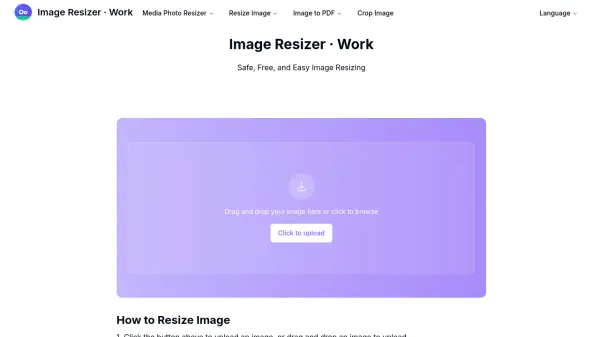
Image Resizer · Work is a web-based tool designed for efficient image processing. It enables users to resize images by specifying new dimensions in pixels, millimeters, centimeters, or inches, and also supports cropping with options to maintain or change aspect ratios. The tool includes features for reducing file size in KB or MB and converting images to PDF format, catering to various needs such as printing or online use.
All operations are performed locally on the user's device, ensuring data security and privacy, as no images are saved on external servers. The interface is user-friendly, requiring no registration, and processes are completed within seconds, making it ideal for quick adjustments. Popular presets, like resizing to common dimensions such as 1920x1080 or 150 KB, are available for convenience.
Features
- Secure Processing: All operations are done locally and not saved on servers
- Fast Performance: Complete image size modifications in seconds
- Simple Interface: Upload image and enter target size to complete
- Free Service: No cost for using the tool
- Quality Maintenance: Ensures best image quality during resizing
- No Registration Required: Use without creating an account
- Crop Functionality: Crop images with options to maintain or change aspect ratio
- Multiple Units: Resize in pixels, mm, cm, inches, KB, or MB
- PDF Conversion: Convert images to PDF format
- Popular Presets: Pre-set dimensions like 1920x1080 or 150 KB for quick resizing
Use Cases
- Resizing images for social media posts
- Preparing images for printing in specific dimensions
- Reducing image file size for web optimization
- Cropping photos to focus on key elements
- Converting images to PDF for document sharing
- Creating YouTube thumbnails with correct aspect ratios
- Adjusting images for email attachments to meet size limits
- Resizing product images for e-commerce listings