What is Bulk Image Resizer?
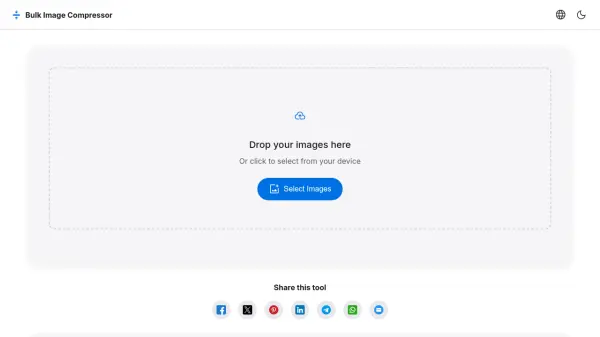
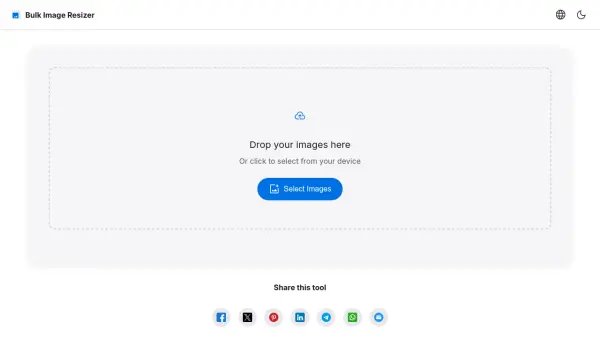
Bulk Image Resizer enables users to resize multiple images simultaneously through a straightforward browser-based interface. The tool supports various resizing modes including percentage-based scaling, exact dimension specification, and social media presets for platforms like Facebook, Instagram, Twitter, LinkedIn, YouTube, and Pinterest. Users can maintain aspect ratios, preserve EXIF data, and choose output formats such as JPEG, PNG, or WebP.
All image processing occurs locally within the browser, ensuring privacy and eliminating the need for file uploads to external servers. The interface provides options for custom dimensions, common aspect ratios, and target resolutions ranging from HD to 8K UHD. Advanced settings include JPEG quality adjustment and optional target file size specifications for optimized output.
Features
- Browser-Based Processing: All resizing happens directly in the user's browser without server uploads
- Multiple Resize Modes: Offers percentage-based scaling, exact dimension specification, and social media presets
- Format Support: Handles JPEG, PNG, and WebP formats for both input and output
- Aspect Ratio Control: Option to maintain original aspect ratios during resizing
- Social Media Presets: Includes optimized dimensions for Facebook, Instagram, Twitter, LinkedIn, YouTube, and Pinterest
Use Cases
- Preparing images for social media posts with platform-specific dimensions
- Reducing image file sizes for website optimization
- Batch processing product images for e-commerce listings
- Creating consistent image dimensions for presentations or documents
- Converting images to specific aspect ratios for video thumbnails or banners
FAQs
-
What image formats does Bulk Image Resizer support?
The tool supports JPEG (.jpg, .jpeg), PNG (.png), and WebP (.webp) formats for both input and output. -
Do I need to create an account to use this tool?
No, Bulk Image Resizer requires no sign-up or login. All processing happens directly in your browser. -
Can I resize multiple images at once?
Yes, you can add as many images as you want and resize them simultaneously in batch mode.