What is SmartResize?
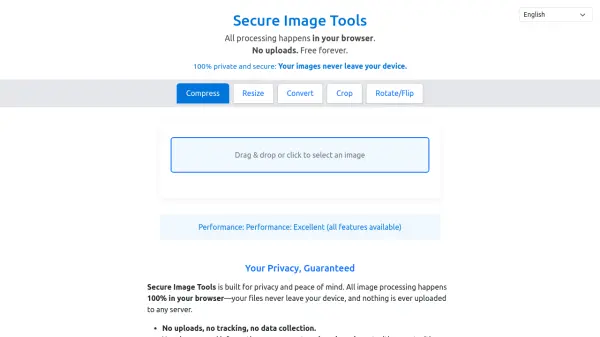
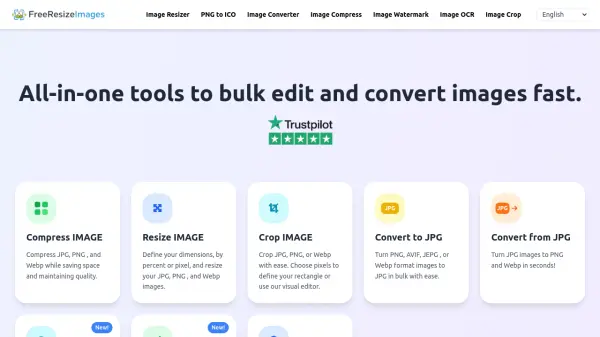
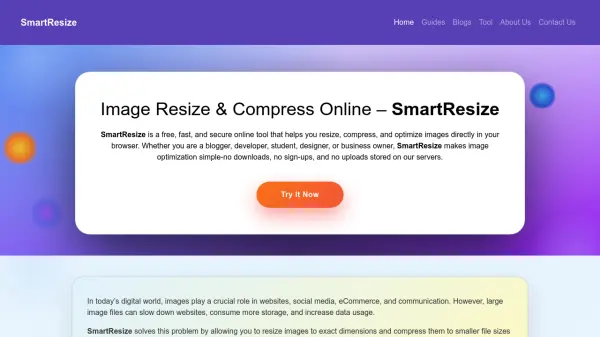
SmartResize is a free, fast, and secure online tool designed to resize and compress images directly in your browser. It enables users to adjust image dimensions and reduce file sizes without noticeable quality loss, supporting formats like JPG, PNG, and WEBP. The tool operates entirely locally on your device, ensuring no images are uploaded or stored on servers, which enhances privacy and speed.
This tool is ideal for optimizing images for various purposes, such as improving website loading speeds, preparing images for social media platforms, and reducing file sizes for emails or documents. With an intuitive interface, it requires no technical knowledge and is accessible on desktop, tablet, and mobile devices, making image optimization simple and efficient for everyone.
Features
- Resize by Custom Dimensions: Adjust image width and height to exact specifications
- Compress Without Quality Loss: Reduce file size while maintaining visual clarity
- Browser-Based Processing: Works entirely in your browser with no server uploads
- Format Support: Compatible with JPG, PNG, and WEBP image formats
- Adjustable Quality Control: Fine-tune compression settings for optimal results
- Free with No Limits: 100% free to use without registration or hidden charges
- Cross-Device Compatibility: Accessible on desktop, tablet, and mobile devices
Use Cases
- Optimizing images for websites and blogs to improve loading speed and SEO
- Resizing images for social media platforms like Instagram, Facebook, and Twitter
- Preparing product images for eCommerce sites to enhance conversions
- Compressing images for email attachments and documents to reduce file size
- Creating thumbnails and banners for online content without distortion
FAQs
-
What image formats does SmartResize support?
SmartResize supports popular image formats including JPG, PNG, and WEBP. -
Is SmartResize safe to use for sensitive images?
Yes, SmartResize processes images directly in your browser without uploading them to servers, ensuring privacy and security for all images. -
Do I need to create an account to use SmartResize?
No, SmartResize requires no registration, sign-ups, or downloads, making it accessible immediately. -
Can I use SmartResize on mobile devices?
Yes, SmartResize is compatible with desktop, tablet, and mobile devices, allowing image optimization on the go. -
Are there any limits on how many images I can process?
No, SmartResize is 100% free to use with no limits on the number of images you can resize or compress.