What is Image Color Picker?
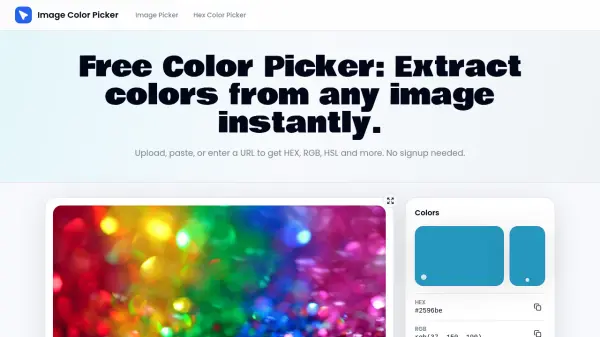
Image Color Picker is a browser-native tool that enables users to extract precise color codes from any image source without uploading data to external servers. The platform supports multiple input methods including direct file uploads, clipboard paste, URL loading, and screen sampling through the EyeDropper API. It works with various image formats such as PNG, JPG, WebP, SVG, and GIF, processing everything locally in the browser to ensure data privacy.
The tool utilizes pixel-level Canvas API technology to deliver accurate color readings for every clicked pixel, returning simultaneous values in HEX, RGB, HSL, and HSV formats with one-click copy functionality. Users can build custom color palettes by adding sampled colors to a palette strip, then export them as text files or save to local storage for brand audits and design system verification. The platform offers real-time color preview on hover and requires no account creation or software installation to access its full feature set.
Features
- Instant Color Extraction: Upload images, paste screenshots, or load URLs to extract color codes in seconds with browser-native processing
- Multi-Format Color Detection: Returns HEX, RGB, HSL, and HSV values simultaneously with one-click copy for each format
- Pixel-Level Accuracy: Uses Canvas API for precise color identification that matches exact pixel values without rounding
- Multiple Input Methods: Supports file uploads, clipboard paste, URL loading, and EyeDropper screen sampling
- Palette Builder: Add sampled colors to a palette strip and export as text files or save to local storage
- Privacy-First Design: Processes all local files entirely in the browser without uploading data to external servers
- Real-Time Preview: Hover over images to see color values update live before committing to a selection
Use Cases
- Identifying exact brand colors from competitor websites and marketing materials
- Extracting color palettes from design mockups and screenshots for design system documentation
- Matching paint codes and fabric colors from product photographs
- Verifying design system compliance by checking color accuracy in interface elements
- Creating color schemes for web design projects from inspiration images
- Conducting brand audits by sampling colors from various brand touchpoints
- Converting colors between different format standards for development workflows
- Identifying specific colors in artwork and photography for creative projects
How It Works
Load your image
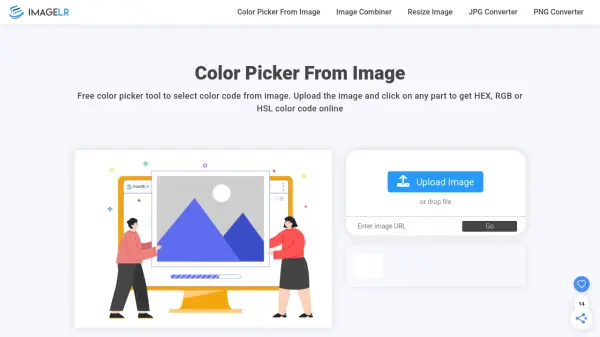
Upload a file, paste from clipboard, drop an image URL, or search Unsplash. The color picker from image tool renders it instantly in your browser.
Click to sample any color
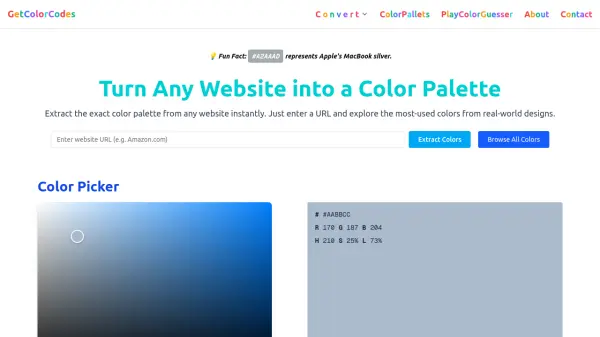
Move over the canvas and click. The color detector shows the exact HEX, RGB, and HSL values for the pixel beneath your cursor.
Copy the code or save the palette
Copy any color code with one tap, add colors to the palette strip, then export or save for later. No account required.
FAQs
-
What is a color picker from image?
A color picker from image is a tool that reads pixel data from photos, screenshots, or web images and returns the exact color codes in formats like HEX, RGB, and HSL. This tool uses your browser's Canvas API to analyze each pixel without uploading files to a server. -
How do I use this image color picker?
Upload an image file, paste from clipboard, or enter an image URL. Then click anywhere on the displayed image to extract the exact color code at that pixel. You can copy the color values in HEX, RGB, HSL, or HSV format with one click, and add colors to a palette for export. -
Does the color detector work with screenshots and website images?
Yes, the color detector works with screenshots pasted directly from your clipboard and with website images loaded via URL. You can also use the built-in EyeDropper feature to sample colors directly from your screen without uploading files. -
Can I extract a full color palette from an image?
Yes, you can sample multiple colors by clicking different areas of your image and adding each color to the palette strip. Once complete, you can export the palette as a text file or save it to local storage for future use in design projects and brand audits. -
Is this color finder free, and does it store my images?
Yes, the color finder is completely free with no signup required. Local files are processed entirely in your browser and never leave your device. Remote URL loading depends on the remote server's CORS policy, but no data is stored on external servers.