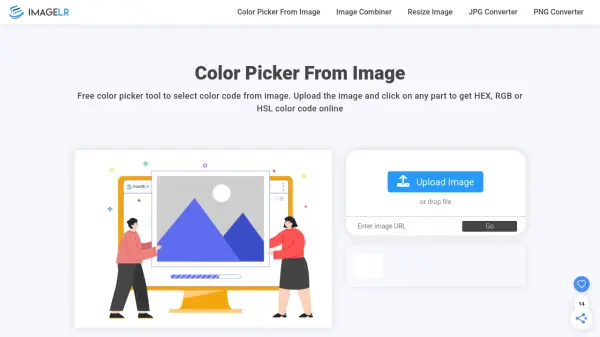
What is ImageLR Color Picker?
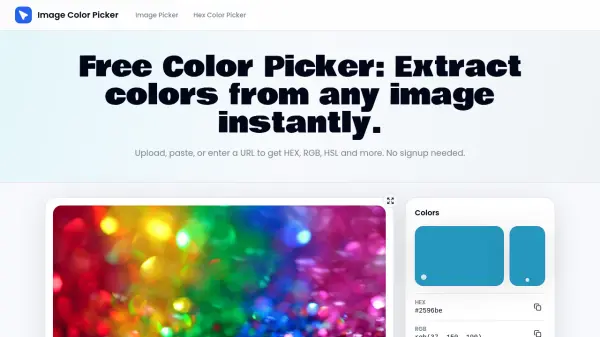
ImageLR Color Picker offers a fast and intuitive solution for identifying color codes directly from any image. Users can upload their images or paste image URLs, then simply click on any area of the image to instantly view the corresponding HEX, RGB, or HSL color values. The tool displays these codes on the interface, complete with a quick-copy feature for efficient workflow integration.
This browser-based tool is accessible without any download or installation, supporting major image formats such as JPG, PNG, WebP, and JPEG. By providing precise color extraction and convenient workflow, ImageLR Color Picker simplifies the task of matching colors for digital design, coding, and image editing projects.
Features
- Fast Upload: Instantly upload images via drag-and-drop or direct URL.
- Precision Color Extraction: Get exact HEX, RGB, and HSL color codes from any image pixel.
- Copy Functionality: Easily copy color codes to clipboard with a single click.
- Multiple Image Formats: Supports JPG, PNG, WebP, and JPEG images.
- No Installation Needed: Fully browser-based, requiring no downloads or setup.
Use Cases
- Designers selecting exact brand or website colors from reference images.
- Developers extracting precise color codes for UI/UX design elements.
- Image editors matching color palettes across multiple graphics.
- Content creators identifying inspiration colors for digital projects.
- Students learning color theory and application in visual projects.
FAQs
-
Which image formats are supported by the tool?
The tool supports JPG, PNG, WebP, and JPEG images. -
Is any software installation required?
No, the tool operates entirely in the browser and does not require any installation. -
Can I use the tool to extract color codes from an image URL?
Yes, you can paste an image URL directly and extract color codes without uploading the file. -
Are the extracted color codes available in different formats?
Yes, the tool provides color codes in HEX, RGB, and HSL formats. -
Is it possible to quickly copy the color codes?
A copy icon is provided next to each color code for easy copying.