The one-hour AI demo is a performance, not a curriculum. Attendees nod along, screenshot a few slides, and return to their desks unsure how the tool fits the report due Friday. By the following week, only the enthusiast who volunteered for the pilot remembers which login to use.
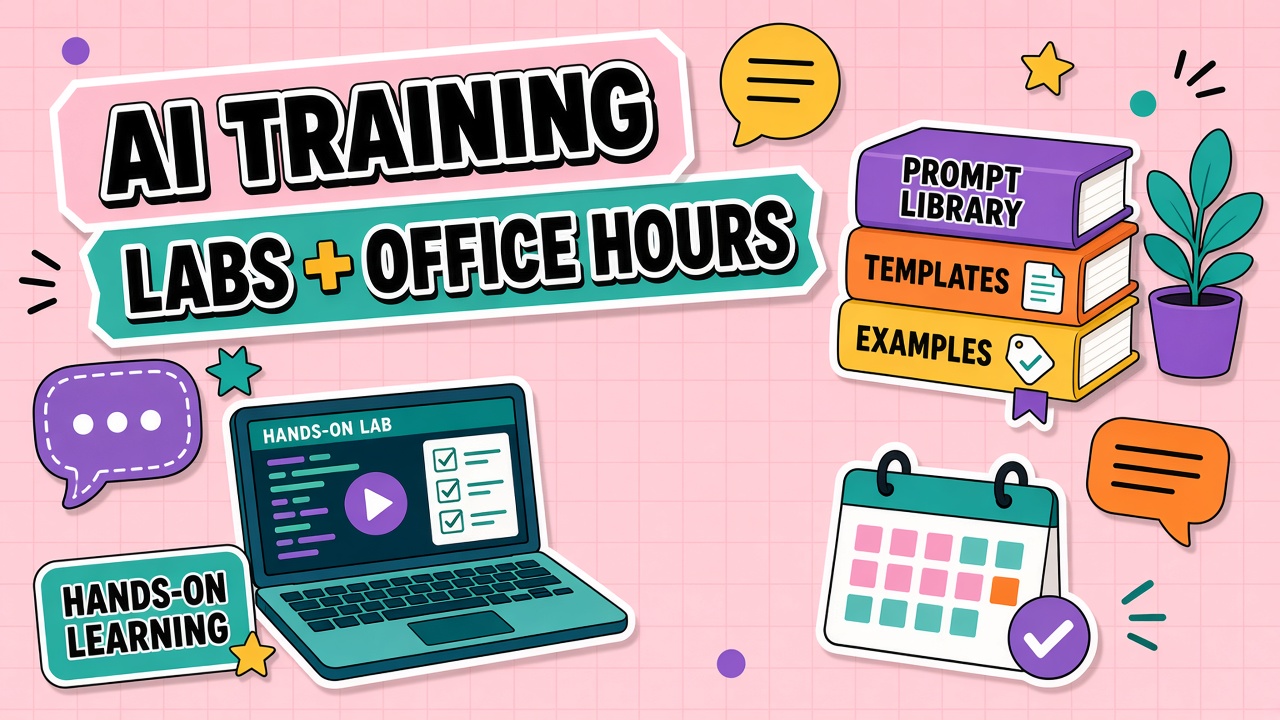
To train team members on AI tools in ways that stick, combine short hands-on labs on real workflows, recurring office hours for questions, and a living prompt library your colleagues co-own. This guide compares training formats with realistic time-to-competency estimates and shows how to assess growth without surveillance. Browse role-relevant examples in AI productivity tools and AI chatbot tools after you pick the workflows labs will cover.
Training Format Options and When to Use Each
Different formats solve different problems. Live demos build awareness. Labs build skill. Office hours remove blockers. Async recordings scale reach. A prompt library preserves institutional knowledge between all three.
| Format | Best for | Typical time to basic competency |
|---|---|---|
| Live demo (60 minutes) | Awareness and policy context | Low skill transfer; days to first solo attempt |
| Hands-on lab (90 minutes) | Role-specific tasks with facilitator feedback | One to two weeks for weekly use on one workflow |
| Office hours (30 minutes weekly) | Troubleshooting, use-case vetting, show-and-tell | Accelerates weeks three to eight of adoption |
| Async video plus checklist | Distributed teams and refreshers | Two to four weeks with assigned practice tasks |
| Prompt library onboarding | Repeatable workflows and quality consistency | Days when templates match daily jobs closely |
Hands-On Lab Structure With Exercises
A strong lab opens with five minutes on policy and data rules, spends seventy minutes on guided exercises using real inputs sanitized for training, and closes with fifteen minutes where each participant names one task they will try before the next office hours session.
- Exercise 1: Complete a familiar task manually, then repeat with AI assistance and compare edit time
- Exercise 2: Improve a weak prompt using a team rubric (specificity, examples, output format)
- Exercise 3: Run the quality checklist reviewers use in production
- Exercise 4: Save a working prompt to the shared library with tags and owner notes
Cap labs at twelve to fifteen participants so facilitators can review outputs. Pair a power user with each table group when possible. Debrief failures openly: a hallucinated statistic in training is cheaper than in a client deck.
Office Hours and Async Q&A Channels
Weekly office hours give colleagues a safe place to ask "dumb" questions, share wins, and vet new use cases against policy. Keep a running doc of answered questions so async teammates in other time zones benefit without attending live.
Dedicated Slack or Teams channels work when moderated: pin the policy link, require sanitized examples in screenshots, and route security-sensitive threads to private tickets. Set a twenty-four hour response expectation so questions do not stall work. Rotate facilitators monthly to spread expertise and prevent one person becoming the bottleneck.
Prompt Library as Living Curriculum
A prompt library is your team's durable curriculum. Each entry should include the workflow name, input requirements, the prompt text, expected output shape, reviewer checklist, and last-tested date. Version prompts like code when models or policies change.
Assign curators by function: marketing owns campaign briefs, support owns reply drafts, engineering owns code review summaries. Curators approve new entries and retire templates that consistently produce rework. New hires onboard faster when their first week includes "complete these three library workflows with a buddy."
Assessing Skill Growth Without Surveillance
Skill growth shows up in output quality and voluntary library contributions, not keystroke counts. Sample ten outputs per month per team using the same rubric from labs. Track whether first-pass acceptance improves and whether practitioners submit prompt improvements.
Optional self-assessments after thirty and ninety days ask confidence, clarity on policy, and which workflows still feel risky. Combine with manager check-ins focused on outcomes, not minutes spent in the AI app.
30-60-90 Day Training Plan
Days one to thirty focus on one workflow per role: kickoff lab, weekly office hours, and library seeding with five approved prompts. Days thirty-one to sixty add a second workflow and peer show-and-tell sessions where practitioners demo real wins. Days sixty-one to ninety measure skill growth via rubric sampling and retire training slides that never matched actual tasks.
Manager responsibilities during rollout
Managers model approved use on visible work, protect calendar time for labs, and praise specific behaviors (verified outputs, library contributions) rather than vague "be more AI-forward" messaging. Managers who never touch the tools themselves should not mandate adoption they do not understand.
Async training for distributed teams
Record labs with chapter markers by exercise. Pair each recording with a checklist practitioners submit when complete. Run office hours in two time zones or use threaded Q&A with a twenty-four hour SLA. Async does not mean optional: due dates and buddy assignments keep completion rates honest.
Prompt Library Governance
Treat the library as a product: owners, review queue, version history, and deprecation dates. New prompts enter as "draft" until a practitioner completes three successful production runs and a champion approves. Retire prompts that accumulate rework flags. Tag entries by workflow, data tier, and tool version so people do not apply last year's template to this year's model behavior.
Weekly library diffs in office hours keep curation lightweight. Celebrate contributors who submit fixes after model updates. A living library beats a static training deck because it encodes what actually works on your accounts, your data, and your review standards.
Measuring training effectiveness
Track time-to-first-successful-output per role, library reuse rate, office hours question themes, and rubric trend thirty days post-lab. If time-to-first-success stalls, the lab used sanitized examples too far from real tasks. If reuse stays low, navigation or permission friction may block access more than skill gaps.
Frequently Asked Questions
How do we help resistant or skeptical colleagues?
Invite skeptics early as pilot reviewers with explicit permission to document failures. Show before-and-after on their actual tasks, not generic demos. Pair them with a respected peer champion. Resistance often signals missing trust, unclear policy, or a workflow mismatch rather than technophobia.
Do generational gaps require different training?
Role and workflow matter more than age. A senior analyst may need help with prompt structure while a junior hire needs help with verification and disclosure rules. Offer the same lab core with role tracks rather than separate "beginner" and "advanced" sessions that stereotype audiences.
How much training time should we budget per rollout?
Plan for one kickoff lab, four weekly office hours, and thirty minutes of self-paced practice per week for the first month per prioritized workflow. Budget drops after templates stabilize, but schedule quarterly refreshers when vendors ship major model updates.
Should we certify internal AI champions?
Lightweight certification helps at scale: champions complete an advanced lab, pass a policy quiz, and commit to two office hours per month. Avoid heavy certification programs that delay adoption. The goal is distributed support, not a priesthood.
Role-Based Lab Tracks
Split labs by function after a shared policy module. Marketing labs cover brief generation, brand rubric, and CMS export. Support labs cover ticket summarization, reply drafts, and escalation triggers. Engineering labs cover code explanation, test generation, and security review of suggestions. Finance labs cover spreadsheet assistance, variance narrative, and prohibition on unreleased numbers in prompts.
Shared policy module covers data tiers, disclosure, and incident reporting in twenty minutes for all tracks. Role tracks run sixty minutes hands-on. Everyone leaves with two library prompts approved for their job.