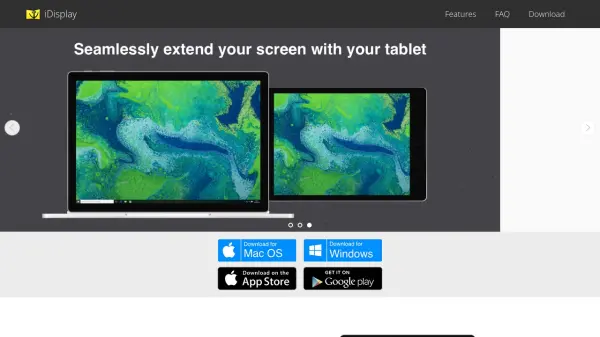

What is iDisplay?
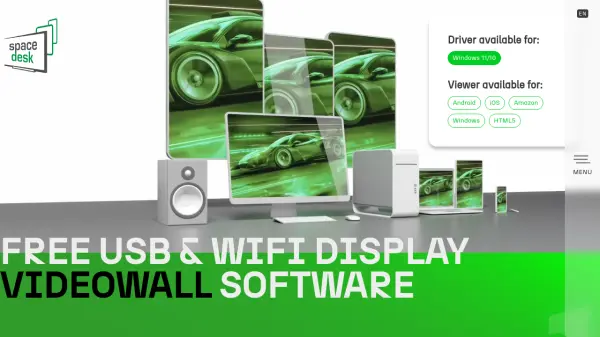
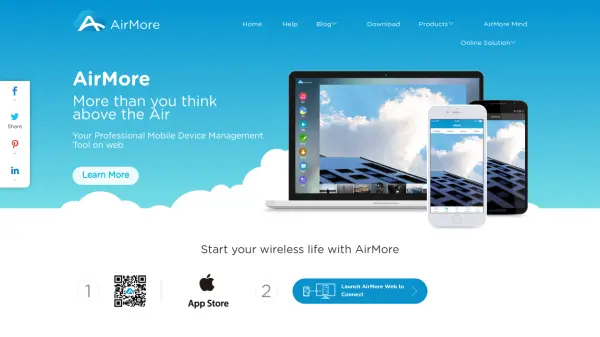
iDisplay is a software solution that enables users to extend their computer workspace by utilizing iOS or Android devices as secondary displays. It provides a seamless experience with support for multiple platforms including Windows, macOS, iOS, and Android, ensuring compatibility across various operating systems. The tool offers both USB and WiFi connection options, with USB connections currently available for iOS and Mac devices, while Android support is forthcoming.
With features like smart screen resolution adjustment and the ability to connect multiple devices simultaneously in mirroring mode, iDisplay maximizes the utility of every pixel on the connected device. This enhances productivity by providing additional screen space for tasks such as multitasking, creative work, and professional applications. The software is designed for high performance, delivering 60fps responsiveness to create a fluid and responsive user experience.
Features
- Multi-Platform Support: Compatible with iOS, macOS, Android, and Windows operating systems
- High Performance: Delivers 60fps responsiveness for a smooth display experience
- Flexible Connectivity: Offers both USB and WiFi connection options for optimal performance and flexibility
- Smart Screen Resolution: Automatically adjusts to utilize every pixel on the device for maximum display quality
- Multi-Device Mirroring: Allows connection of multiple iPads and/or Android tablets simultaneously to a main computer
Use Cases
- Extending desktop workspace for multitasking
- Using mobile devices as secondary monitors for professional work
- Enhancing productivity with additional screen space for creative projects
- Mirroring displays across multiple tablets for presentations or collaborative work