

What is shiftscreen?
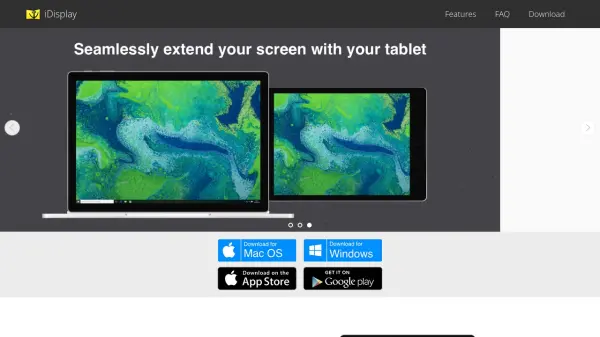
shiftscreen revolutionizes how you use your iPad by enabling seamless connection to an external display, transforming the device into a full desktop workstation. With the ability to open up to six distinct windows, users can multitask efficiently, utilizing a web-browser, PDF viewer, and multiple web and system apps simultaneously.
Designed for productivity, shiftscreen supports mouse and trackpad input, enhancing control and operational ease. Whether for work-from-home setups or on-the-go professionals, this application elevates the usability of your iPad, offering an intuitive second-screen solution that is both flexible and powerful.
Features
- Multi-Window Support: Open up to six windows on your external monitor
- Web-Browser Integration: Built-in browser for seamless web app usage
- PDF Viewer: View and work with PDF files directly on your second screen
- Mouse and Trackpad Support: Enhanced control with pointer device integration
- iPhone Trackpad: Use your iPhone as a virtual trackpad for navigation
- System App Compatibility: Access system utilities like calculator on your external display
Use Cases
- Expanding iPad workspace onto a larger monitor for productivity
- Running multiple web apps and documents side by side
- Utilizing the iPad as a full desktop setup while working from home
- Reviewing PDFs and surfing the web on a secondary screen
- Navigating with precision using a mouse or iPhone as a trackpad
FAQs
-
Can I use my iPhone as a trackpad with shiftscreen?
Yes, the iPhone app allows you to use your iPhone as a virtual trackpad for navigation on your iPad's second screen. -
How many windows can I open on my external monitor using shiftscreen?
You can open up to six windows simultaneously, including browsers, PDF viewers, and various web or system apps. -
Does shiftscreen support mouse and trackpad input on the iPad?
Yes, shiftscreen enables full mouse and trackpad support for improved control and navigation.