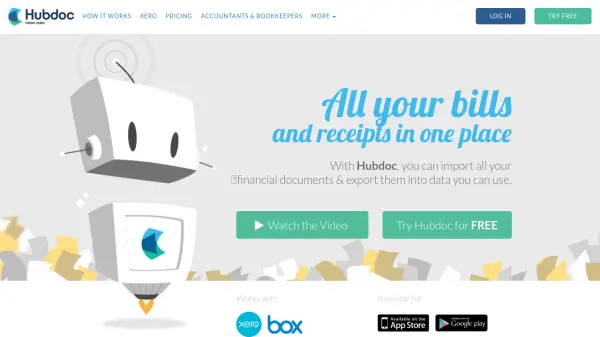
What is Hubdoc?
Hubdoc provides a centralized platform for managing financial documents by capturing paperwork through multiple methods including mobile photography, email forwarding, scanning, and desktop uploads. The tool stores documents securely online, creating an organized digital repository accessible from anywhere.
Using artificial intelligence, Hubdoc automatically reads and extracts critical information from financial documents such as supplier names, amounts, invoice numbers, and due dates. This extracted data can then be used to create transactions in popular accounting software with source documents attached, eliminating manual data entry and streamlining bookkeeping workflows.
Features
- Document Capture: Multiple input methods including mobile photography, email forwarding, scanning, and desktop uploads
- Data Extraction: Automatically reads and extracts key information from financial documents using AI
- Accounting Integration: Seamlessly syncs with Xero and QuickBooks Online accounting platforms
- Collaboration Tools: Allows multiple collaborators and accountant access with invitation system
- Mobile Accessibility: Available for smartphones and tablets on both Apple and Android platforms
Use Cases
- Automating bookkeeping data entry for small businesses
- Digitizing and organizing paper receipts and invoices
- Streamlining accountant-client document sharing and collaboration
- Creating audit trails with source document attachments
- Reducing manual data entry errors in financial record keeping
FAQs
-
What types of documents can Hubdoc process?
Hubdoc processes bills, receipts, invoices, and statements from various sources. -
Which accounting platforms does Hubdoc integrate with?
Hubdoc integrates with Xero and QuickBooks Online for seamless data synchronization. -
How does Hubdoc capture documents?
Documents can be captured through mobile photography, email forwarding, scanning, or desktop uploads. -
Is there a free trial available?
Yes, Hubdoc offers a 30-day free trial with no credit card required. -
Can multiple people collaborate on the same Hubdoc account?
Yes, Hubdoc supports multiple collaborators and allows accountant access through invitation.