What is Horizon?
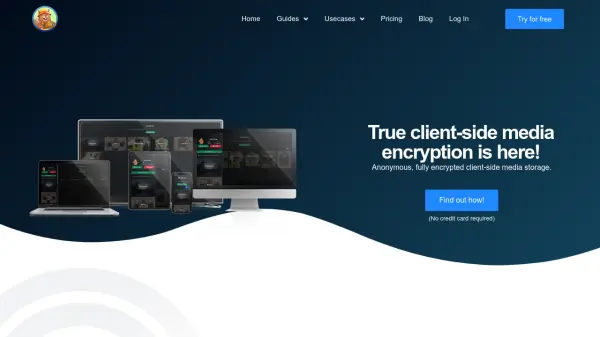
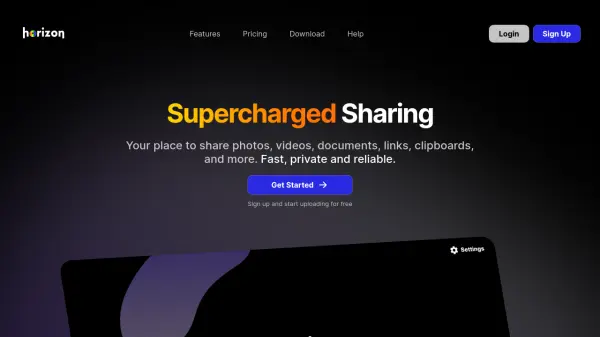
Horizon provides a comprehensive solution for sharing various types of content, including photos, videos, documents, links, and clipboards. It offers dependable media storage and seamless sharing capabilities suitable for both professionals and casual users. The platform ensures privacy and security through advanced at-rest encryption, which can be easily activated with a simple switch.
With optimization for seamless video playback, Horizon delivers high-quality, buffer-free streaming for both small and large audiences. It supports customization of file appearances for social media platforms like Discord, X, and Telegram, and integrates with multiple devices and operating systems through custom desktop apps and partnerships. Additionally, Horizon allows easy embedding of images, videos, and audio files onto websites with reliable content delivery network support.
Features
- Privacy Control: Advanced at-rest encryption for secure file storage
- Seamless Streaming: Optimized for high-quality, buffer-free video playback
- Custom Embeds: Customize file appearances for social media platforms
- Multi-Device Integration: Works with Mac, Linux, Windows, iOS, and Android
- Web Optimization: Easy embedding of media files on websites with CDN support
- Organized Sharing: Support for folders and collections to manage files
Use Cases
- Sharing photos and videos with friends or colleagues
- Streaming videos to audiences without buffering issues
- Storing and sharing confidential documents with encryption
- Embedding media files on personal or business websites
- Sharing clipboard content up to 100,000 characters
- Creating shortened links for easy sharing