What is HelloPDF?
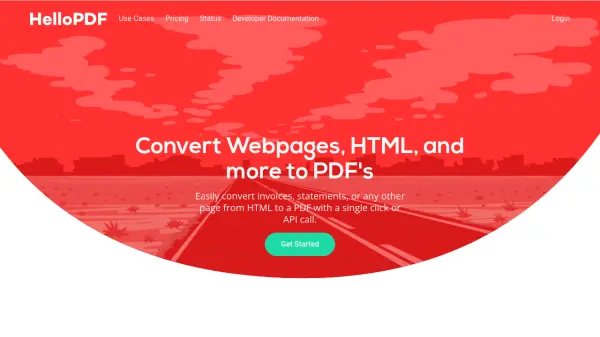
HelloPDF is a powerful tool designed to convert webpages, HTML, and various content into PDF documents with precision and speed. It leverages Chrome-powered technology to ensure that PDFs render exactly as they appear in browsers, maintaining element placement and visual fidelity without misplacements. The tool supports a range of use cases, including website previews, web automation, and templating with dynamic data injection for items like invoices and personalized cards.
With an easy-to-implement API, users can generate PDFs through a single API call, eliminating the need for complex code. HelloPDF offers scalable solutions for developers, individuals, and businesses, providing features such as unlimited document generation on paid plans and business-specific options like document templates. It aims to simplify PDF conversion by replacing traditional methods like Puppeteer or PhantomPDF, offering a more efficient and reliable alternative.
Features
- Chrome-Powered Rendering: Ensures PDFs look exactly like the original HTML with accurate element placement
- Fast PDF Generation: Generates PDFs within seconds using a powerful network infrastructure
- Easy API Implementation: Allows PDF generation with a single API call, reducing coding complexity
- Web Automation Capabilities: Supports authentication, order placement, and website previews similar to Selenium or Puppeteer
- Templating with Dynamic Data: Enables creation of invoices and personalized cards with injected data
Use Cases
- Generating website previews on different devices and viewports
- Converting webpages and HTML to PDF for documents like invoices and statements
- Automating web tasks such as authentication and order placement with PDF outputs
- Creating templates for dynamic documents like personalized cards and invoices
- Replacing traditional PDF conversion methods like Puppeteer or PhantomPDF for scalability
FAQs
-
What is the free plan limit for HelloPDF?
The free plan allows unlimited document generation but is limited to 25 conversion seconds per month and adds 'Generated by HelloPDF.co' to the footer of every document. -
Does HelloPDF support local environment connections?
Yes, HelloPDF supports passing a proxy server to connect to your local environment for web automation tasks. -
How does HelloPDF ensure accurate PDF renders?
HelloPDF uses Chrome-powered technology to generate PDFs that look exactly as they do in the browser, with no element misplacements. -
What are the business plan features?
The business plan includes all features plus business-specific options like document templates and unlimited conversion seconds. -
Can HelloPDF be used for web automation?
Yes, HelloPDF can be used for web automation tasks such as authentication and order placement, similar to tools like Selenium or Puppeteer.