What is Grids?
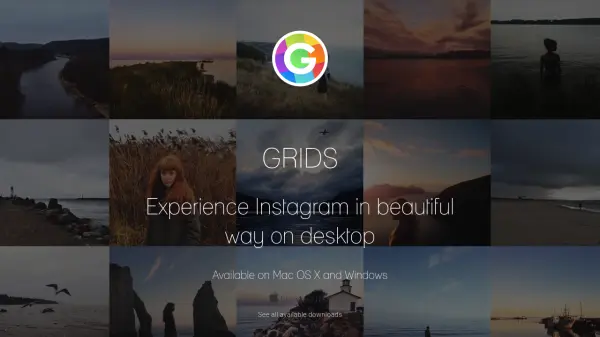
Grids is a desktop application designed to enhance the Instagram experience on Mac OS X and Windows. It offers a clean and smart user interface that adapts responsively to window sizes, ensuring Instagram photos are displayed beautifully whether in fullscreen or widget-size. Users can perform all standard Instagram tasks such as liking, commenting, following, searching, and exploring directly from the desktop.
The application supports multiple accounts, allowing seamless switching between them, and provides notifications for new feeds, followers, likes, comments, mentions, or requests. Additional features include bookmarking capabilities for people, locations, hashtags, or individual photos and videos, making it a comprehensive tool for Instagram management on desktop platforms.
Features
- Responsive UI: Clean and smart interface works at fullscreen and widget-size
- Notification: Alerts for new feed, followers, likes, comments, mentions, or requests
- Achieving All Tasks: Like, comment, follow, search, and explore functionality
- Pixel-Perfect: Automatically adjusts layout to window size for beautiful photo presentation
- Multiple Accounts: Switch between multiple Instagram accounts seamlessly
- Bookmarks: Bookmark people, location, hashtag, or single photo/video
Use Cases
- Browsing Instagram feeds on desktop
- Managing multiple Instagram accounts from one application
- Receiving real-time notifications for Instagram activities
- Bookmarking favorite Instagram content for easy access
- Performing Instagram interactions like liking and commenting on desktop