GraphMaker favicon

GraphMaker
Make a graph instantly with AI

What is GraphMaker?

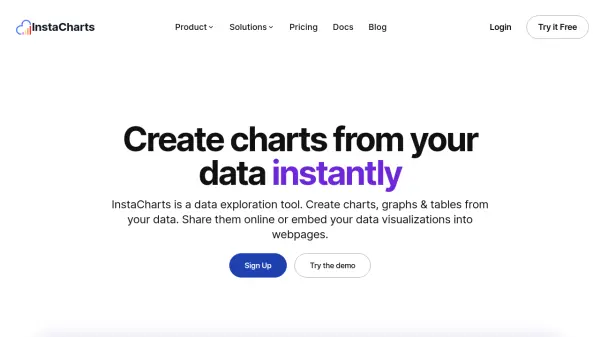
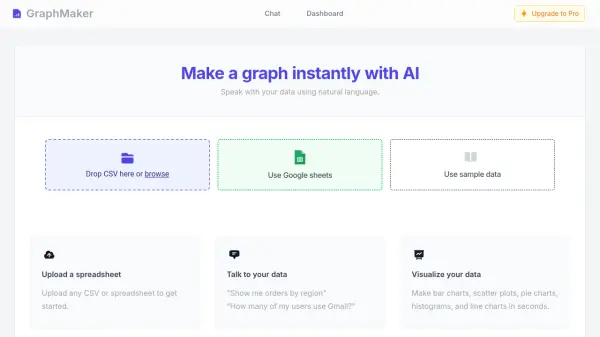
GraphMaker is an AI-powered tool designed to simplify data visualization. Users can interact with their data using natural language, asking questions like "Show me orders by region" or "How many of my users use Gmail?".

The platform supports various chart types, including bar charts, scatter plots, pie charts, histograms, and line charts. GraphMaker offers multiple data input methods, such as direct connection to Google Sheets, uploading CSV or spreadsheet files, and even provides sample data for experimentation. Importantly, GraphMaker prioritizes data security and never stores user data.

Features

  • Natural Language Interaction: Speak with your data using natural language.
  • Multiple Data Input Methods: Use Google Sheets, sample data, or upload CSV/spreadsheet files.
  • Variety of Chart Types: Create bar charts, scatter plots, pie charts, histograms, and line charts.
  • Data Security: GraphMaker never stores your data.

Use Cases

  • Visualizing sales data by region.
  • Analyzing user demographics.
  • Creating charts for presentations.
  • Quickly generating graphs from spreadsheets.
  • Exploring data sets with natural language queries.

Related Tools:

Blogs:

  • Top AI tools for Teachers

    Top AI tools for Teachers

    Explore the top AI tools designed for teachers, revolutionizing the education landscape. These innovative tools leverage artificial intelligence to enhance teaching efficiency, personalize learning experiences, automate administrative tasks, and provide valuable insights, empowering educators to create engaging and effective educational environments.

  • Top 6 AI note-taking tools for 2026: in-person, online, and hybrid use cases

    Top 6 AI note-taking tools for 2026: in-person, online, and hybrid use cases

    Most AI note-taking lists are really lists of meeting bots, which join your video call and transcribe it. That's useful, but it's half the picture. Decisions happen in hallway conversations, client dinners, on-site visits, and hybrid rooms where nobody is on a video link. This guide covers different parts of the note-taking workflow: hardware capture for in-person settings, platform-native tools for online calls, and AI layers for organizing and synthesizing what you've captured. It compares six tools by capture context, workflow fit, pricing, and limitations.

  • Boost Engagement in Ads with AI

    Boost Engagement in Ads with AI

    Discover how AI music and AI SDR agents are reshaping modern advertising. Learn how emotional resonance through AI-generated soundtracks combined with smart, automated sales outreach can turn viewers into loyal customers faster, cheaper, and more personally than ever before.

Didn't find tool you were looking for?

Be as detailed as possible for better results