GPTBots favicon

GPTBots
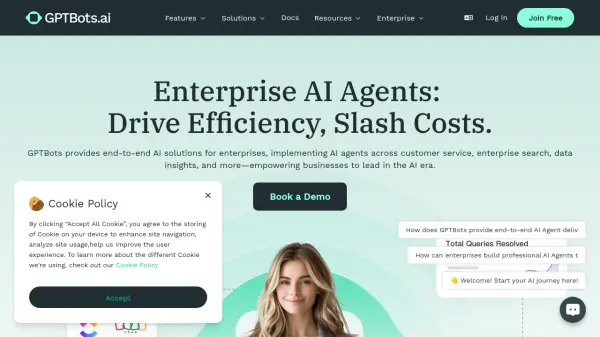
Enterprise AI Agents: Drive Efficiency, Slash Costs

What is GPTBots?

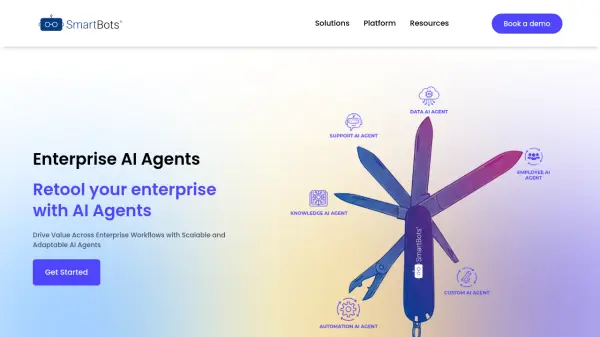
GPTBots delivers comprehensive AI solutions designed specifically for enterprise needs, enabling businesses to automate and optimize their operations across multiple domains. The platform specializes in implementing AI agents that can reduce customer service costs by up to 70% while providing 24/7 support in over 90 languages.

Through its no-code builder interface, businesses can create and deploy powerful AI agents that integrate seamlessly with existing tools like Google Drive, Notion, Microsoft Word, Discord, WhatsApp, Slack, and Zapier. The platform ensures enterprise-grade security and scalability, offering features such as private deployment, custom LLM integration, and comprehensive knowledge base management.

Features

  • No-Code Builder: Create powerful AI agents without coding experience
  • Multilingual Support: Communication in 90+ languages
  • Enterprise Search: Real-time access to company knowledge base
  • Data Analytics: AI-powered insights for business decisions
  • Integration Capabilities: Connect with popular business tools and platforms
  • Custom LLM Support: Customize language models for specific needs
  • Auto CRM Sync: Automatic data synchronization with CRM systems
  • Private Deployment: Secure enterprise-grade deployment options

Use Cases

  • Customer service automation
  • Sales development and lead generation
  • Enterprise knowledge management
  • Business intelligence and data analysis
  • Technical support automation
  • Educational institution support
  • Healthcare inquiry management
  • E-commerce customer assistance

FAQs

  • How much can businesses save on customer service costs?
    According to platform statistics, businesses can reduce customer service costs by up to 70% within a year of implementation.
  • What integration options are available?
    The platform integrates with Google Drive, Notion, Microsoft Word, Discord, WhatsApp, Slack, Zapier, and various CRM systems.
  • How long does it take to create an AI agent?
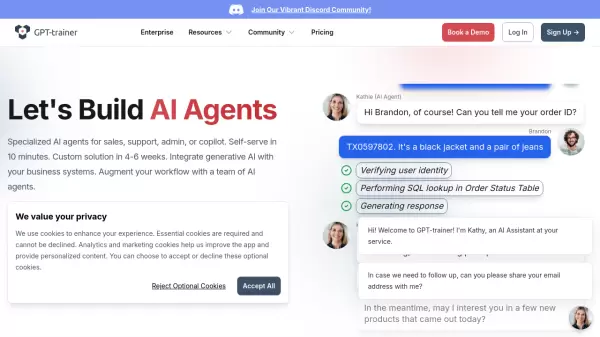
    AI agents can be created in minutes using the no-code builder, with workflow automation possible within hours.

Helpful for people in the following professions

Related Tools:

Blogs:

  • Best AI tools for recruiters

    Best AI tools for recruiters

    These tools use advanced algorithms and machine learning to automate tasks such as resume screening, candidate matching, and predictive analytics. By analyzing vast amounts of data quickly and efficiently, AI tools help recruiters make data-driven decisions, save time, and identify the best candidates for open positions.

  • Ghibli Art Generator AI tools

    Ghibli Art Generator AI tools

    List of the best AI tools to turn your photos into images that look like Studio Ghibli movies. Easy to use and fun for everyone.

  • Best AI Tools For Startups

    Best AI Tools For Startups

    we've compiled a straightforward list of user-friendly AI tools designed to give startups a boost. Discover practical solutions to streamline everyday tasks, enhance productivity, and gain valuable insights without the need for a tech expert. Learn where and how these tools can be applied in your startup journey, from automating repetitive tasks to unlocking powerful data analysis. Join us as we explore the features that make these AI tools accessible and beneficial for startups in various industries. Elevate your business with technology that works for you!

  • Top 6 AI note-taking tools for 2026: in-person, online, and hybrid use cases

    Top 6 AI note-taking tools for 2026: in-person, online, and hybrid use cases

    Most AI note-taking lists are really lists of meeting bots, which join your video call and transcribe it. That's useful, but it's half the picture. Decisions happen in hallway conversations, client dinners, on-site visits, and hybrid rooms where nobody is on a video link. This guide covers different parts of the note-taking workflow: hardware capture for in-person settings, platform-native tools for online calls, and AI layers for organizing and synthesizing what you've captured. It compares six tools by capture context, workflow fit, pricing, and limitations.

Didn't find tool you were looking for?

Be as detailed as possible for better results