What is Good App?
Good App is a comprehensive self-improvement and personal growth suite that provides over 36 wellness tools to help you stay happy, healthy, and productive. It covers personal development, digital wellness, mental wellness, growth, stress reduction, sleep aid, knowledge, motivation, and productivity boosting.
The app features a unique app blocker that converts idle time into productive time, a notification assistant that manages notifications and filters only important ones, and a zen mode with screen reminders. It also includes brain games like Word Wizard and 2048, relaxation music, deep breathing exercises, positive affirmations, and a morning booster. For productivity, it offers a Pomodoro timer, to-do list, habit tracker, and more. Good App aims to be a one-stop solution for physical and mental wellbeing.
Features
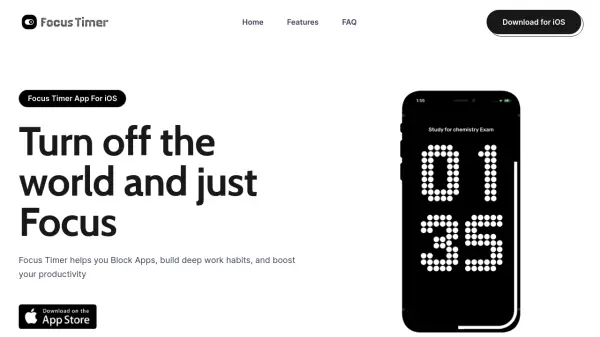
- App Blocker: Blocks distracting apps and converts idle time into productive time, supports parental lock.
- Notification Assistant: Manages notifications and filters only important ones to reduce distractions.
- Zen Mode & Screen Reminder: Helps live peacefully and reminds to take breaks from the phone.
- Brain Games: Includes Word Wizard, 2048, Connect the Dots, Tic-Tac-Toe to improve memory and focus.
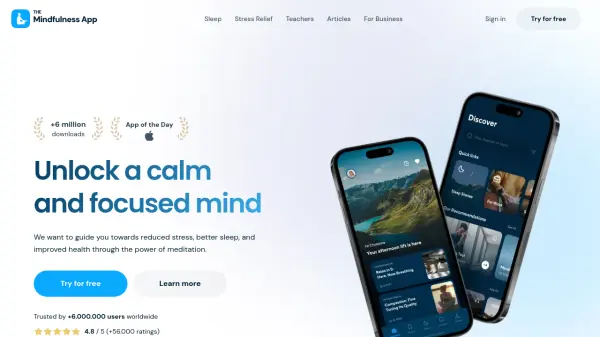
- Relaxation Music & Deep Breathing: Aids sleep, relaxation, and stress reduction.
- Positive Affirmations & Morning Booster: Overcome negative thoughts and start the day with positive energy.
- Pomodoro Timer & To-Do List: Boosts productivity with time management and task tracking.
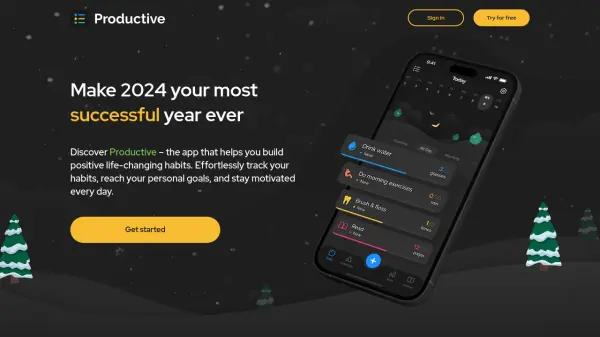
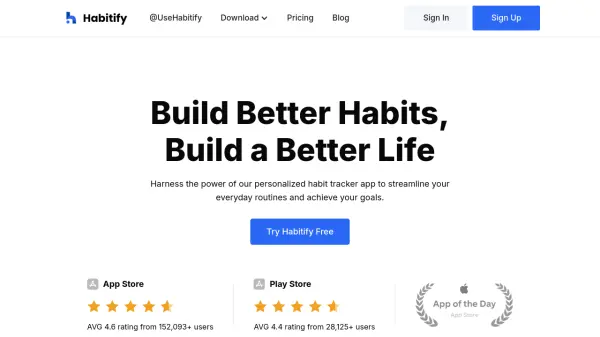
- Habit Tracker & Daily Routine: Helps build and maintain healthy habits.
- Knowledge & Motivation: Offers interesting facts, lifehack tips, GK quiz, vocab builder, and motivational quotes.
Use Cases
- Reduce screen time and phone addiction
- Manage notifications and improve focus
- Reduce stress and anxiety through relaxation techniques
- Improve memory and cognitive skills with brain games
- Build positive habits and daily routines
- Boost productivity with Pomodoro and to-do lists
- Learn new things with general knowledge and vocab builder
- Start the day with motivation and positive affirmations
FAQs
-
Is Good App free to use?
Yes, Good App is free to download and use. -
Does Good App include an app blocker?
Yes, it has a unique app blocker that converts idle time into productive time and supports parental lock. -
Can I manage notifications with Good App?
Yes, the notification assistant manages notifications and filters only important ones. -
What brain games are available in Good App?
Good App includes Word Wizard, 2048, Connect the Dots, and Tic-Tac-Toe to improve memory, focus, and vocabulary. -
Does Good App help with sleep and relaxation?
Yes, it offers relaxation music, deep breathing exercises, and a zen mode to help with sleep and stress reduction.