What is GitDocs AI?
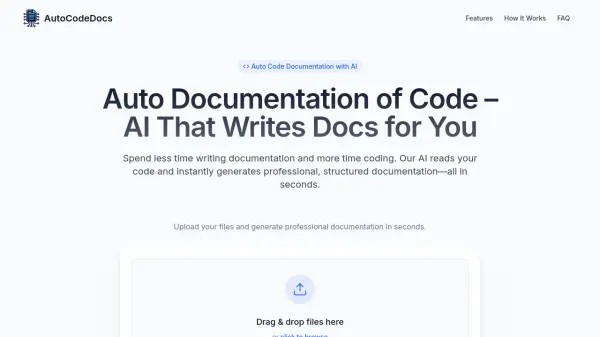
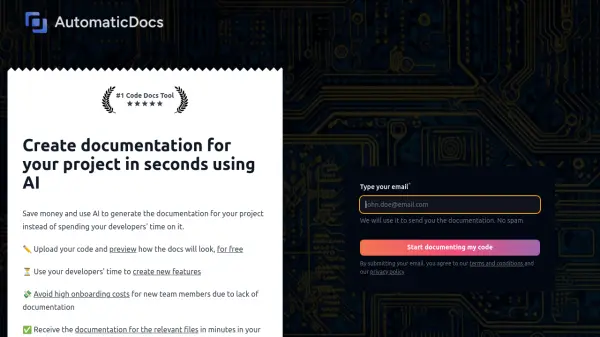
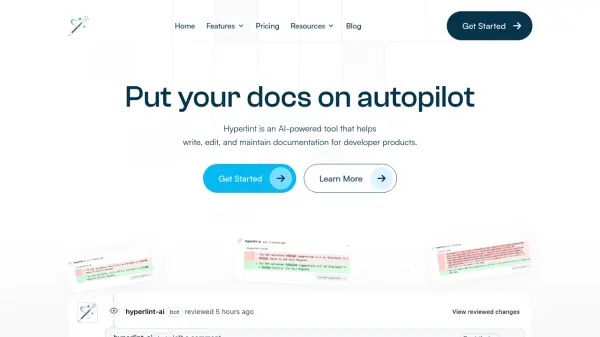
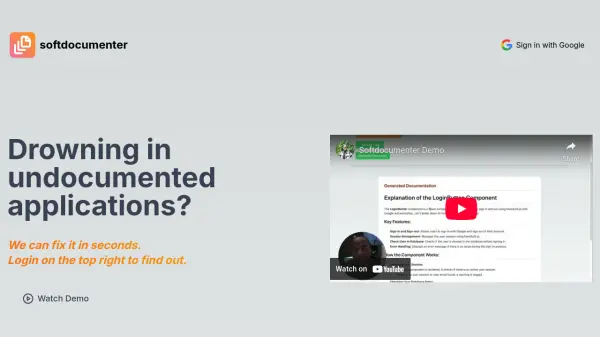
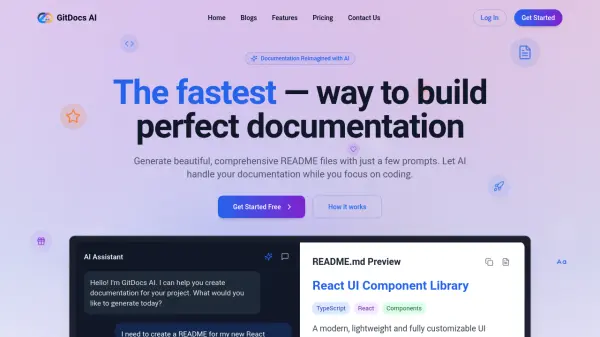
GitDocs AI offers a streamlined solution for creating technical documentation. By leveraging artificial intelligence, it analyzes your codebase to automatically generate detailed and accurate README files and other documentation. This tool integrates directly with Git repositories (GitHub, GitLab, Bitbucket), ensuring that your documentation remains synchronized with code changes.
Focus on development while the AI handles the often time-consuming task of documentation. The platform supports multiple programming languages and frameworks, parsing code intelligently to extract relevant information and examples. It provides an intuitive interface and customizable templates, allowing users to tailor the output to their specific needs.
Focus on development while the AI handles the often time-consuming task of documentation. The platform supports multiple programming languages and frameworks, parsing code intelligently to extract relevant information and examples. It provides an intuitive interface and customizable templates, allowing users to tailor the output to their specific needs.
Features
- Smart Documentation: Automatically generates comprehensive documentation from your codebase using AI.
- Git Integration: Seamlessly integrates with Git workflows (GitHub, GitLab, Bitbucket) to keep documentation synchronized with code.
- Code Analysis: Intelligently parses code to extract meaningful documentation and examples.
- AI-Powered Insights: Provides suggestions for improving documentation based on AI analysis.
- Custom Dashboard: Offers a dashboard for managing and organizing documentation projects.
- Multi-Language Support: Supports documentation generation for various programming languages and frameworks.
- Customizable Templates: Allows customization of documentation templates and themes.
- Automatic Updates: Keeps documentation up-to-date as the codebase evolves.
Use Cases
- Generating README files for new projects or component libraries.
- Maintaining up-to-date documentation for evolving codebases.
- Automating documentation tasks for development teams.
- Creating standardized documentation across multiple repositories.
- Improving documentation quality with AI-driven suggestions.
- Documenting code written in various programming languages.
FAQs
-
How does GitDocs AI generate documentation?
GitDocs AI uses advanced natural language processing to analyze your codebase, understand its structure, and generate comprehensive documentation. It identifies functions, classes, APIs, and their relationships to create accurate, well-structured documentation. -
Which programming languages are supported?
GitDocs AI supports JavaScript, TypeScript, Python, Java, Go, Ruby, PHP, C#, Rust, and is constantly adding support for more languages. -
Can I customize the generated documentation?
Yes, you can customize documentation templates, choose different themes, and edit any generated content. GitDocs AI also learns from your edits to improve future documentation. -
How does the GitHub integration work?
After connecting your GitHub repository, GitDocs AI automatically syncs with your codebase. When you push new changes, the system detects them and updates your documentation accordingly. You can also set up automatic pull requests for documentation updates. -
Is my code secure with GitDocs AI?
Security is a top priority. GitDocs AI uses bank-level encryption and does not store your actual code. It only analyzes the structure and documentation-relevant parts in isolated, secure environments.