What is Git Town?
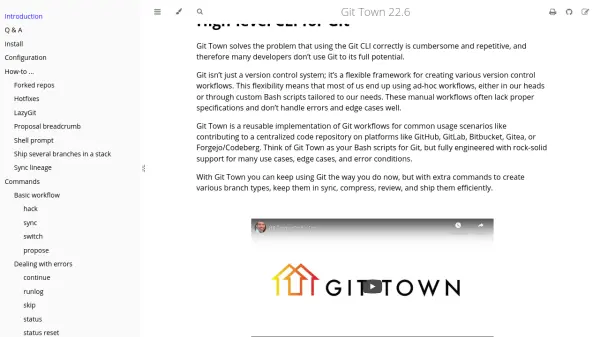
Git Town addresses the challenge that using the Git command-line interface correctly is often cumbersome and repetitive, leading many developers to underutilize Git's full potential. It serves as a flexible framework for creating various version control workflows, replacing ad-hoc methods or custom Bash scripts with a robust, engineered solution.
This tool offers extra commands to create different branch types, keep them synchronized, compress, review, and ship them efficiently. It is compatible with common branching models like GitHub Flow, Git Flow, GitLab Flow, trunk-based development, and even direct commits into the main branch, with special support for mono-repos and stacked changes.
Features
- High-level CLI: Provides extra Git commands for streamlined workflows
- Workflow Support: Compatible with GitHub Flow, Git Flow, GitLab Flow, trunk-based development
- Branch Management: Creates various branch types and keeps them synchronized
- Efficiency Tools: Compresses, reviews, and ships branches with fewer keystrokes
- Mono-repo Support: Special features for managing mono-repositories and stacked changes
Use Cases
- Contributing to centralized code repositories on platforms like GitHub, GitLab, Bitbucket
- Managing Git workflows for development teams
- Streamlining branch creation and synchronization in projects
- Handling mono-repos and stacked changes efficiently
- Reducing keystrokes and mental overhead in Git operations