
What is Free Audio Converter Online?
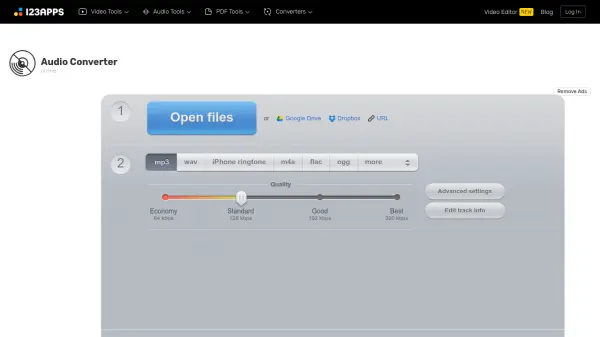
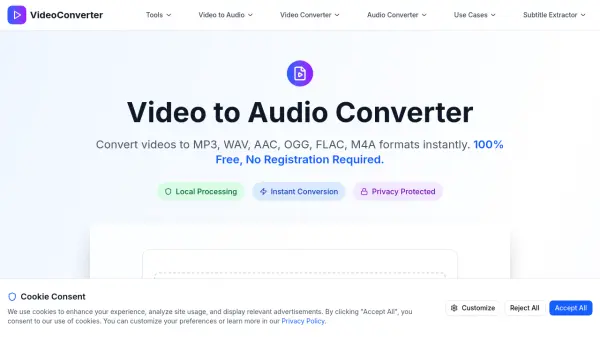
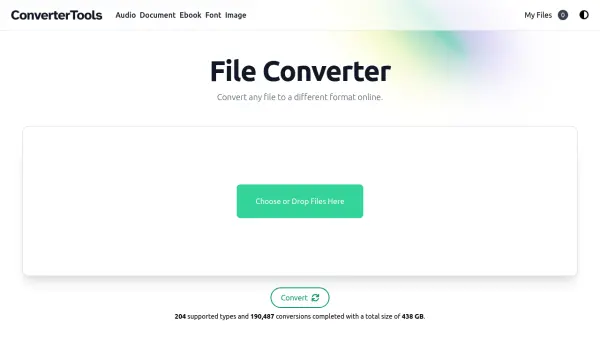
Free Audio Converter Online provides a comprehensive solution for audio file conversion directly within a web browser. The tool supports multiple input formats including MP4, MOV, and MKV, and allows conversion to popular audio formats such as MP3, OGG, WAV, AAC, M4A, and FLAC. Users can adjust various parameters like bitrate, sample rate, channels, compression mode, normalization, and fades to customize output quality and file size.
All processing occurs locally using WebAssembly and FFmpeg, ensuring that files never leave the user's device for enhanced privacy and security. The platform supports batch conversions, enabling multiple files to be processed simultaneously and downloaded as a single ZIP file. Additionally, users can preview converted audio directly in the browser before downloading, making it a versatile tool for audio editing and format optimization.
Features
- Local Processing: All conversions happen in the browser using WebAssembly and FFmpeg, ensuring files never leave the device for privacy.
- Batch Conversion: Convert multiple audio files simultaneously and download them together in a ZIP file.
- Advanced Audio Settings: Customize output with options for bitrate, sample rate, channels, compression mode, normalization, and fades.
- Preview Functionality: Listen to converted audio directly in the browser before downloading to verify quality.
- No Installation Required: Runs entirely in the browser without any software downloads or installations.
- Free and Unlimited: No paywalls, account requirements, or usage limits, making it accessible for all users.
Use Cases
- Converting audio files between formats like MP3, WAV, FLAC, and AAC for compatibility with different devices.
- Compressing audio files to reduce size while maintaining quality for storage or sharing.
- Adjusting audio parameters such as bitrate and sample rate for podcasts or music production.
- Batch processing multiple audio files for efficient workflow in editing or archiving.
- Ensuring privacy by converting audio locally without uploading to external servers.
FAQs
-
How does the tool ensure privacy during audio conversion?
All processing occurs locally in the browser using WebAssembly and FFmpeg, so files are never uploaded to any server, ensuring complete privacy. -
Can I convert video files to audio formats with this tool?
Yes, the tool supports input formats like MP4, MOV, and MKV, allowing conversion to audio formats such as MP3, WAV, and others. -
What are the supported output formats for audio conversion?
Supported output formats include MP3, OGG, WAV, AAC, M4A, and FLAC, providing flexibility for various audio needs. -
Is there a file size limit for conversions?
The tool supports input files up to 100 MB, ensuring compatibility with most audio files while maintaining performance. -
How can I adjust audio quality settings during conversion?
Users can customize bitrate, sample rate, channels, compression mode, normalization, and fades to control output quality and file size.