What is Video to Audio Converter?
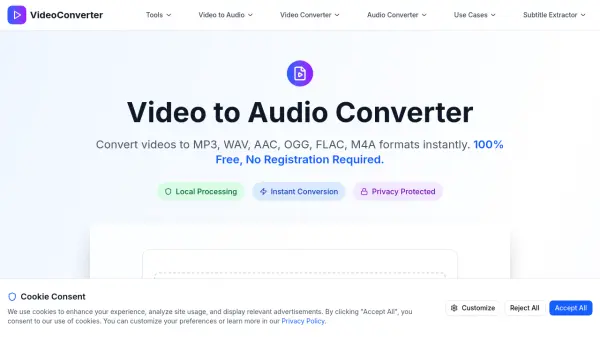
Video to Audio Converter is a web-based tool that enables users to convert video files into various audio formats directly in their browser. The tool processes files locally using WebAssembly and FFmpeg technology, ensuring that no data is uploaded to external servers. This approach guarantees complete privacy and security for users' files.
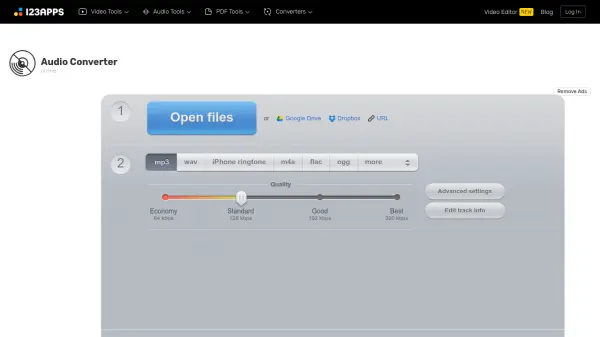
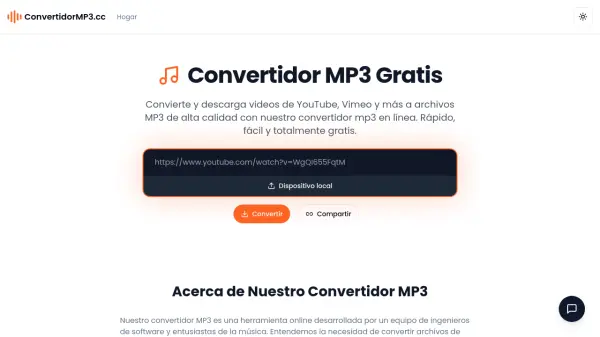
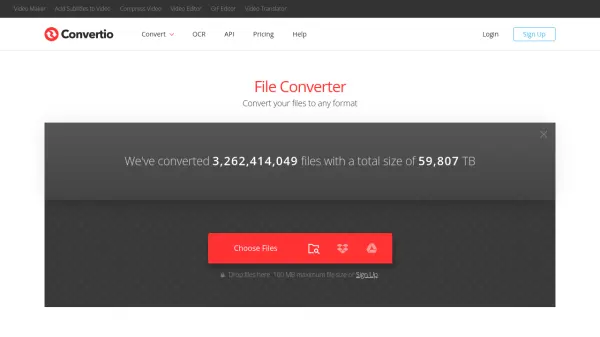
It supports multiple input video formats including MP4, AVI, MOV, MKV, WMV, FLV, WEBM, 3GP, and M4V, with output options for MP3, WAV, AAC, OGG, FLAC, and M4A audio files. Users can adjust audio quality settings from 64kbps to 320kbps and convert files up to 500MB in size without any registration requirements.
Features
- Local Processing: All conversion happens in the browser with no file uploads to external servers
- Multiple Format Support: Convert from 9+ video formats to 6 audio formats including MP3, WAV, AAC, OGG, FLAC, and M4A
- Quality Control: Adjustable audio quality settings from 64kbps to 320kbps
- Privacy Protection: Files never leave the user's device during processing
- No Registration Required: Immediate access without sign-up or personal information
Use Cases
- Extracting audio from video files for personal use
- Creating audio files from video content for study materials
- Converting video soundtracks for use in vehicles
- Preparing audio content from video recordings for presentations
- Generating audio files from video clips for editing projects