What is Flowchart Maker?
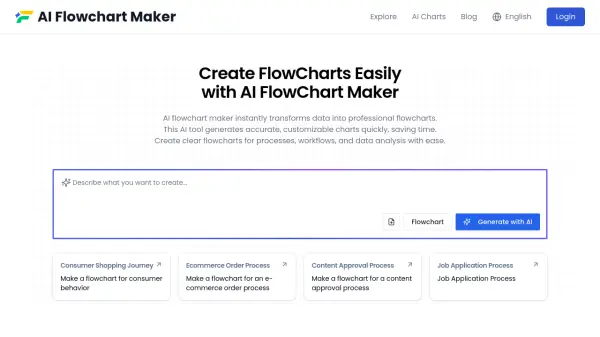
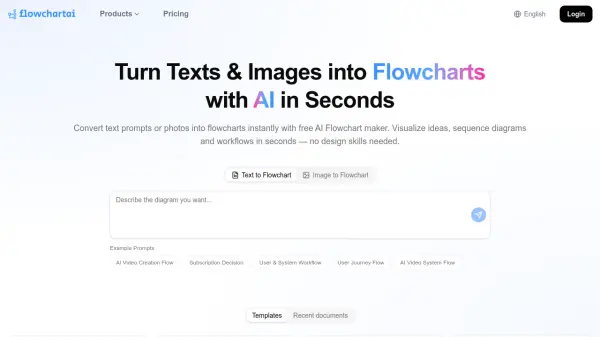
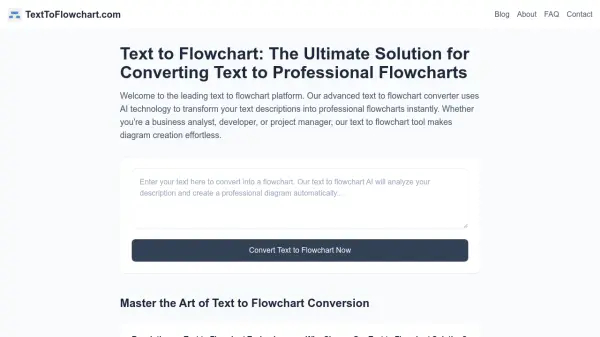
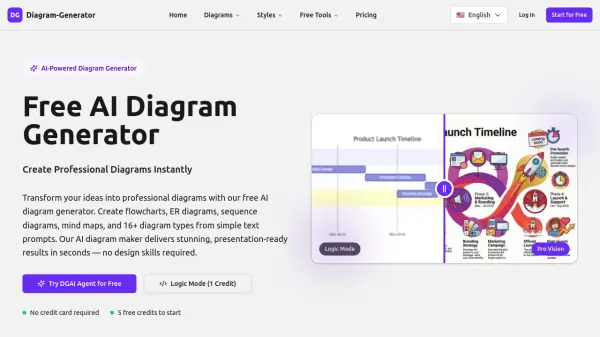
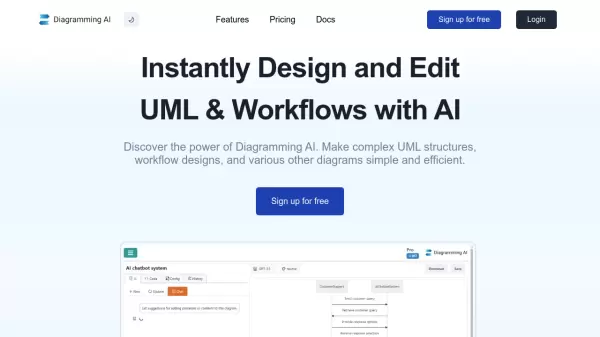
Flowchart Maker utilizes artificial intelligence to simplify the process of creating flowchart diagrams. Users can input text descriptions of their process, and the tool automatically generates a corresponding flowchart within seconds, eliminating tedious manual drawing. It provides an interactive editing experience through a chat interface, allowing users to make real-time modifications, additions, or changes simply by chatting.
Furthermore, Flowchart Maker offers personalization options. Users can easily adjust the layout and appearance of their flowcharts using drag-and-drop functionality directly within the tool. This combination of AI generation, interactive chat editing, and manual customization makes creating and refining flowcharts significantly more efficient and user-friendly compared to traditional methods.
Features
- AI Flowchart Generation: Creates flowcharts automatically from text descriptions.
- Interactive Chat Editing: Modify flowcharts using simple chat commands.
- Drag & Drop Customization: Personalize flowchart layout and appearance.
- Text-to-Flowchart Conversion: Translates process descriptions into visual diagrams.
- Flowchart Description: Provides easy comprehension of the created flowchart.
Use Cases
- Visualizing business processes.
- Mapping project workflows.
- Creating tutorials and training materials.
- Documenting software requirements and user journeys.
- Outlining manufacturing procedures.
- Visualizing compliance regulations.
- Mind-mapping and note-taking visualization.
- Planning logistics operations.
FAQs
-
What is FlowChart Maker?
Flowchart Maker uses advanced AI technology to generate flowchart diagrams efficiently from text descriptions via a chat interface. Editing can be done through chat commands or drag-and-drop functionality. -
Are diagrams generated by Flowchart Maker accurate?
Flowchart Maker aims for accuracy but, like any AI, may occasionally make errors. The model is continuously trained to improve accuracy, and user feedback is valued. -
Can I cancel my subscription?
Yes, you can cancel your subscription anytime from your settings page. The subscription remains active until the current billing cycle ends. -
Is my data safe?
Yes. Input content is used to generate prompts for third-party AI platforms. Your data is not read, shared with third parties, or stored. -
Can anyone use Flowchartmaker?
Yes, Flowchart Maker (referred to as 'Flowsage' in the FAQ) is designed to be user-friendly for beginners while offering advanced features for experienced users via an intuitive interface.