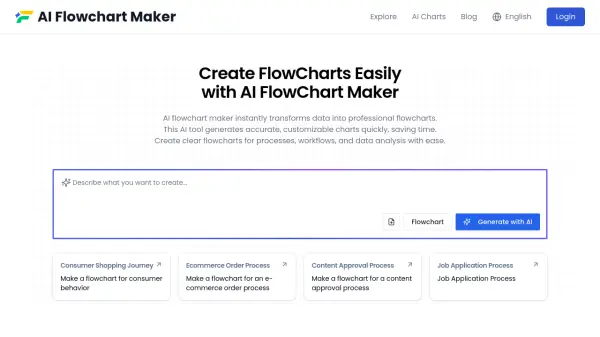
What is AI Flowchart Maker?
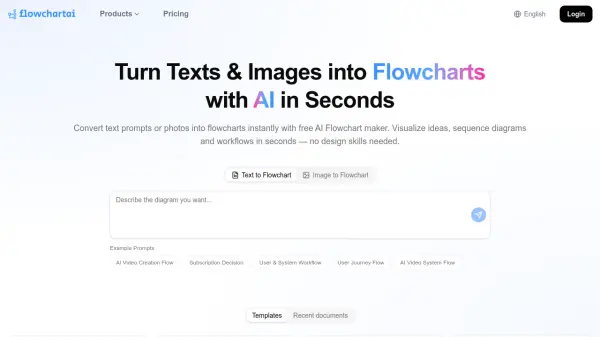
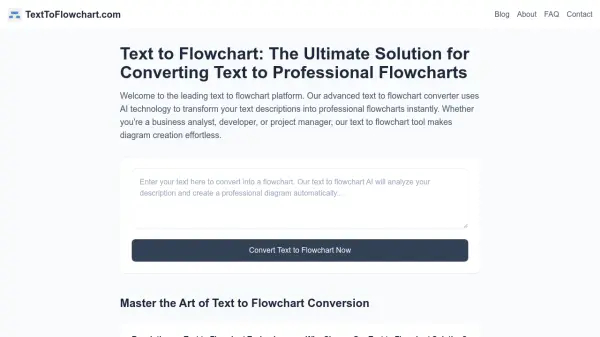
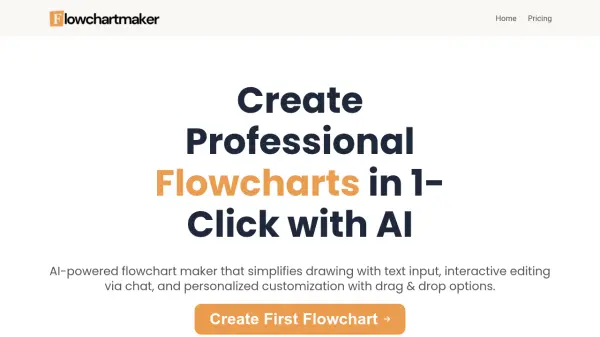
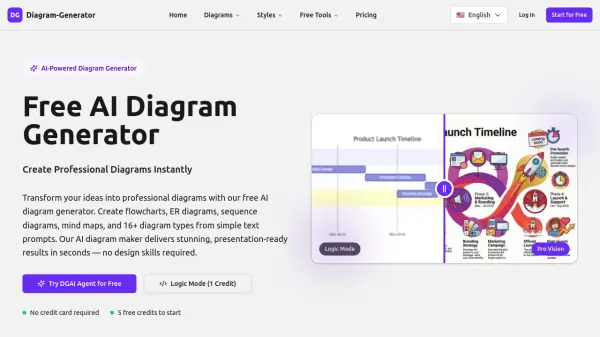
AI Flowchart Maker utilizes artificial intelligence to automatically convert textual information or uploaded data files into structured flowcharts. This tool streamlines the process of visualizing complex workflows, processes, and data by intelligently identifying key steps, decision points, and relationships within the provided content. It significantly reduces the manual effort typically required for diagram creation, enhancing productivity for users needing clear visual representations.
The tool supports various input formats, including text, DOCX, and PDF files, enabling versatile data integration. It employs deep text analysis to ensure accurate representation of processes and connections. Generated flowcharts are fully customizable, offering options to modify colors, fonts, shapes, and layouts to meet specific aesthetic or functional requirements. The system also provides intelligent layout suggestions for optimal clarity and visual appeal.
Features
- Intelligent Content Recognition: Automatically identifies key process steps, decision points, and information from input text to build flowcharts.
- Multi-Format Compatibility: Extracts and analyzes content from various file formats like Word, TXT, and PDF.
- Deep Text Analysis: Analyzes text or documents to automatically arrange content into organized flowcharts by recognizing processes and connections.
- System Integration: Integrates data from diverse sources into a single flowchart system.
- Fully Customizable: Allows modification of colors, fonts, shape styles, and layout.
- Customized Layouts: Provides smart layout and formatting suggestions for clarity and visual appeal.
- Automated AI Flowchart Generation: Extracts key data and automatically generates fine-tuned flowcharts.
- Interactive Flowcharts: Generates clickable flowcharts for exploring logic workflows and simulations.
- Multiple Export Formats: Supports exporting flowcharts as PNG, SVG, and Mermaid code.
Use Cases
- Visualizing business processes
- Mapping workflows
- Analyzing data flows
- Creating organizational charts from descriptions
- Documenting procedures
- Simplifying complex information
- Planning projects
FAQs
-
Do I Need Coding Skills to Use the AI Flowchart Maker?
No coding skills are required. The tool is designed for ease of use. However, users familiar with Mermaid code can switch to code mode for further customization. -
What Can I Customize in Your Flowchart?
You can customize colors, fonts, links, layout, and much more. The pro version offers drag-and-drop features for creation and refinement. -
How Accurate is the Flowchart Generated by AI?
The tool accurately processes data and natural language, ensuring logical consistency. Advanced algorithms detect potential errors and offer improvement suggestions. -
What Formats Can I Export my Flowchart To?
Flowcharts can be exported as PNG, SVG, or Mermaid code. -
Is My Data Safe When Using the AI Flowchart Maker?
Yes, data is encrypted and processed securely. It is not retained and is deleted periodically.