What is AI Infographics?
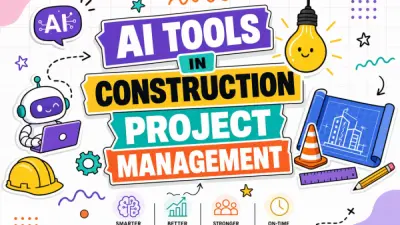
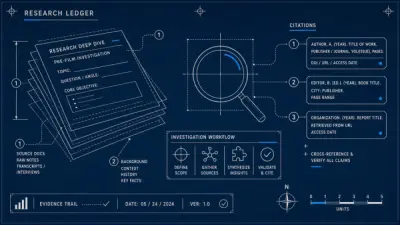
AI Infographics offers a solution for transforming plain text into visually captivating infographics. It utilizes artificial intelligence to automatically structure provided text and generate various types of infographic layouts, such as funnel diagrams, timelines, mind maps, hierarchy charts, and more. This tool aims to simplify the process of creating professional-looking visuals, making complex information easier to understand and share.
Users can generate infographics suitable for diverse applications including enhancing presentations, making blog content more engaging, creating eye-catching social media posts, and simplifying complex data in reports or documentation. The platform provides customization options, allowing adjustments to colors, fonts, and layouts to align with specific branding or project requirements. Once created, infographics can be exported in standard formats like PNG, JPG, or SVG for seamless sharing across different platforms.
Features
- AI-Powered Text-to-Infographic Generation: Automatically structures text and creates infographics.
- Variety of Infographic Types: Supports funnel diagrams, cyclic processes, step-by-step journeys, hierarchy charts, roadmaps, timelines, mind maps, listicles, and pipelines.
- Full Customization: Allows users to adjust colors, fonts, layouts, and add elements to match brand guidelines.
- Modern Canvas Editor: Provides a flexible drag-and-drop canvas for refining AI-generated designs.
- Multiple Export Options: Download infographics in PNG, JPG, or SVG formats.
- Template Variety: Offers a selection of professionally designed templates.
Use Cases
- Enhancing presentations with clear visuals.
- Making blog posts more engaging and shareable.
- Creating attention-grabbing social media graphics.
- Simplifying data visualization in reports and documentation.
- Visualizing customer journeys and sales funnels.
- Mapping out project plans and timelines.
- Illustrating processes and workflows.
- Brainstorming and organizing ideas with mind maps.
FAQs
-
Is the AI Infographics tool free to use?
Yes, there is a free version available with essential features and up to 25 generations. A paid plan is also offered for unlimited generations and advanced customization.