What is AI Diagram Maker?
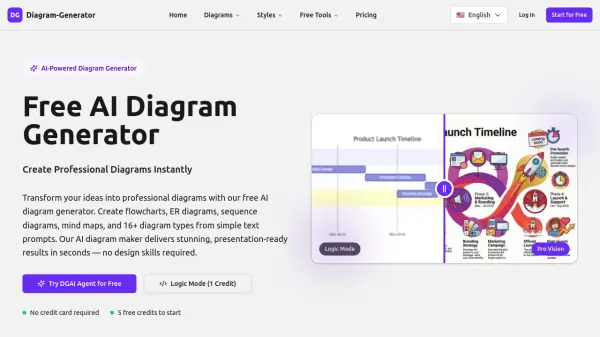
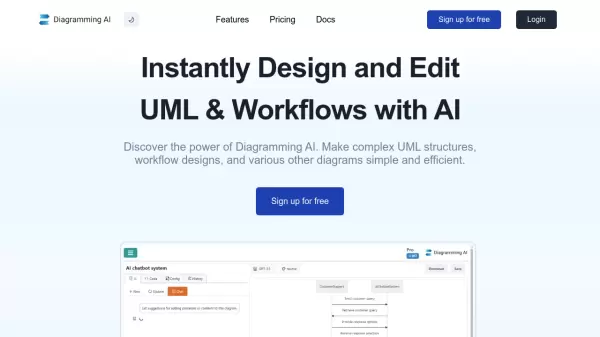
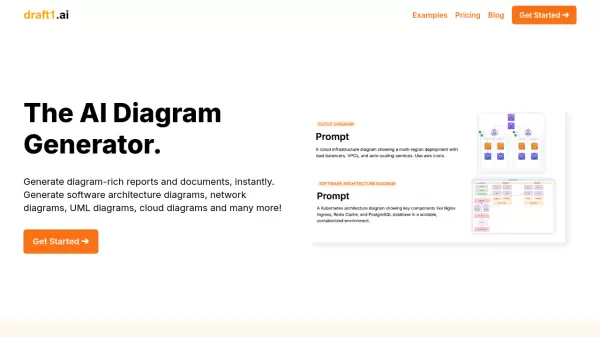
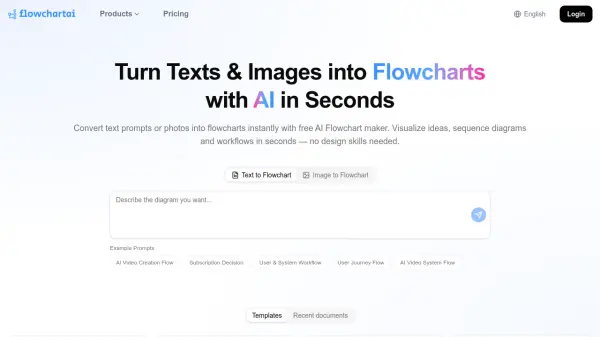
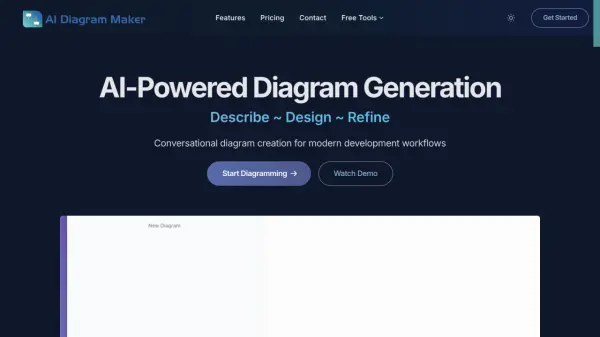
AI Diagram Maker revolutionizes the traditional approach to creating software architecture diagrams by utilizing artificial intelligence to convert natural language descriptions into professional visualizations. The platform eliminates the complexity of conventional diagramming tools, reducing diagram creation time from 30+ minutes to just 20 seconds.
The tool leverages advanced language models to understand user requirements and automatically generates clean, structured diagrams with proper positioning, alignment, and styling. It supports multiple diagram types including flowcharts, sequence diagrams, ERD diagrams, and UML diagrams, with the ability to export in various formats like PNG, SVG, or diagram code.
Features
- AI-Powered Generation: Creates diagrams from plain text descriptions
- Automatic Layout: Handles positioning, alignment, and design automatically
- Multiple Export Formats: Download as PNG, SVG, or Diagram code
- Document Upload: Create diagrams from existing documents and notes
- Conversational Editing: Modify diagrams through natural language
- Revision History: Track changes and restore previous versions (Plus/Max plans)
- Code View: Direct access to edit diagram code
- Quick Iteration: Make changes through simple text commands
Use Cases
- Creating software architecture diagrams
- Designing database schema visualizations
- Mapping microservices communication flows
- Developing business process flowcharts
- Visualizing system architectures
- Converting documentation into diagrams
- Prototyping application workflows
- Creating cloud architecture diagrams
How It Works
Describe
Type your diagram requirements in plain English
Design
AI automatically generates the diagram based on your description
Refine
Make changes through conversation or direct code editing
FAQs
-
How does AI generate diagrams from text?
The AI agent uses advanced language models to understand natural language descriptions and converts them into structured diagram code. It analyzes requirements, identifies components and relationships, then generates clean D2 code that represents architecture visually. -
What is D2 and why do you use it?
D2 (Declarative Diagramming) is a modern diagram-as-code language chosen for its simple, intuitive syntax that's easy for AI to generate, powerful automatic layout engines, flexible styling options, and integrations with popular tools like Confluence and Obsidian. -
What types of diagrams can I create?
You can create any type of software architecture diagram including system architecture, microservices, database schemas, network diagrams, flowcharts, sequence diagrams, and more. -
How are credits calculated?
Credits are based on AI token usage. Currently, 1,000 tokens equal 1 credit. This may change in the future based on AI model costs and improvements.