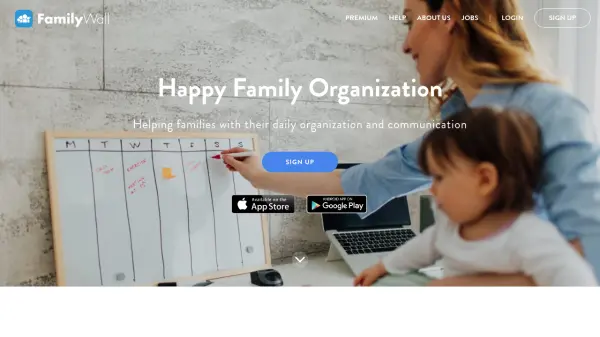

What is FamilyWall?
FamilyWall provides a centralized platform for family organization, enabling users to coordinate daily activities and maintain communication through various integrated features. The tool offers a shared calendar that synchronizes with personal devices and external calendars like Google Calendar, ensuring all family members stay updated on appointments, birthdays, and events.
Additional functionalities include creating and managing shopping lists and to-do tasks, budgeting tools for tracking household expenses, meal planning with recipe import capabilities, private photo and video sharing, real-time location tracking with safe zone alerts, and a secure family messenger for instant communication. The app supports multiple private groups for different circles such as extended family or friends, and it is accessible across devices including iPhone, Android, and desktop.
Features
- Shared Calendar: Organize schedules, activities, and appointments with synchronization to personal calendars
- Shopping Lists & To-Dos: Create and manage custom lists that update automatically as tasks are completed
- Budgeting Tools: Track household bills and expenses collaboratively with family or friends
- Meal Planner: Plan weekly meals, import recipes from the web, and generate grocery lists
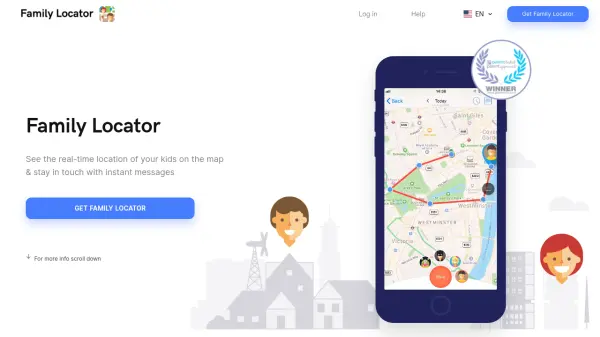
- Real-Time Location: View family members' locations on a map and receive safe zone alerts
- Family Messenger: Communicate privately via instant messaging with text, voice, photos, and videos
- Multi Groups: Create private groups for different circles like family, friends, or neighbors
- Cross-Device Access: Available on iPhone, Android, and desktop for seamless organization
Use Cases
- Coordinating family schedules and appointments
- Managing grocery shopping and household tasks
- Tracking shared expenses and budgeting as a family
- Planning meals and organizing recipes
- Sharing private photos and videos with loved ones
- Monitoring children's locations for safety
- Communicating securely within family groups
- Organizing events and activities for extended family or friends