Expenses Day favicon

Expenses Day
Digitalize Your Expenses with AI

What is Expenses Day?

Expenses Day offers a revolutionary solution for digitalizing expenses using advanced AI technology. It processes a wide range of expense documentation, from standard receipts and bank statements to handwritten lists and more. The platform's AI-powered OCR API handles diverse formats, ensuring secure and efficient document processing.

The system is designed to accurately recognize and process expense information, even when documents are crumpled, partially torn, or imperfectly scanned. All documents and extracted information are automatically destroyed upon completion of API requests, guaranteeing the security and privacy of user data.

Features

  • Expense Recognition: Recognizes expenses across multiple documents, including split files like multiple photos of a long receipt.
  • Multiple Expense Types: Processes various expense types simultaneously, such as receipts, invoices, and bank statements.
  • Secure Document Processing: Automatically destroys all processed documents and information upon completion.
  • AI-Powered OCR: Handles various file types, including Microsoft Office files, PDFs, CSVs, HTML, and images.
  • Imperfect Document Handling: Processes crumpled, folded, torn, reversed, and blurry expenses.

Use Cases

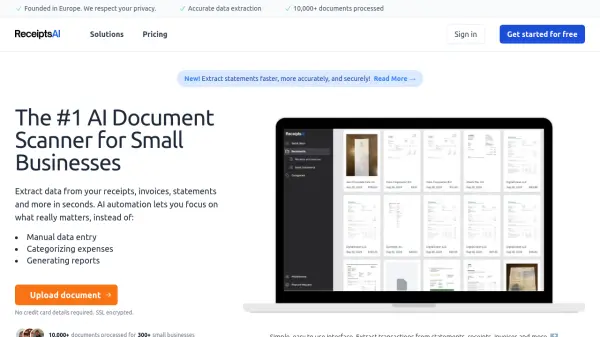
  • Digitalizing receipts for expense reports
  • Processing bank statements for financial analysis
  • Converting handwritten expense lists into digital format
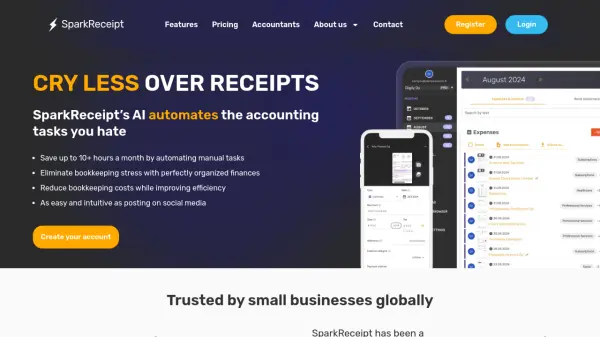
  • Automating expense tracking for businesses
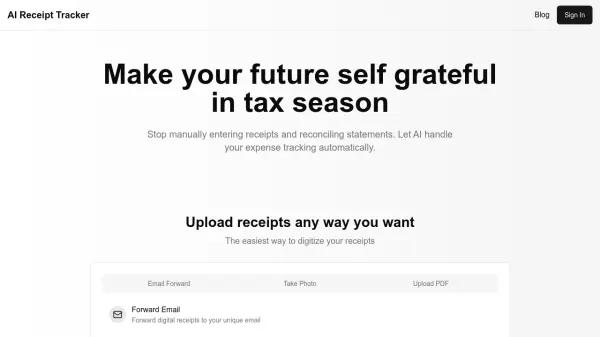
  • Simplifying tax preparation by digitizing financial documents
  • Scanning invoices for accounting
  • Extracting data from credit card reports

Related Tools:

Blogs:

  • Boost Engagement in Ads with AI

    Boost Engagement in Ads with AI

    Discover how AI music and AI SDR agents are reshaping modern advertising. Learn how emotional resonance through AI-generated soundtracks combined with smart, automated sales outreach can turn viewers into loyal customers faster, cheaper, and more personally than ever before.

  • Top 6 AI note-taking tools for 2026: in-person, online, and hybrid use cases

    Top 6 AI note-taking tools for 2026: in-person, online, and hybrid use cases

    Most AI note-taking lists are really lists of meeting bots, which join your video call and transcribe it. That's useful, but it's half the picture. Decisions happen in hallway conversations, client dinners, on-site visits, and hybrid rooms where nobody is on a video link. This guide covers different parts of the note-taking workflow: hardware capture for in-person settings, platform-native tools for online calls, and AI layers for organizing and synthesizing what you've captured. It compares six tools by capture context, workflow fit, pricing, and limitations.

  • Chat with PDF AI Tools

    Chat with PDF AI Tools

    Easily interact with your PDF documents using our advanced AI-powered tool. Whether you're reading lengthy reports, research papers, contracts, or eBooks, our platform lets you chat directly with your PDF files, ask questions, extract insights, and get summaries in real-time.

Didn't find tool you were looking for?

Be as detailed as possible for better results