


What is Expense AI?
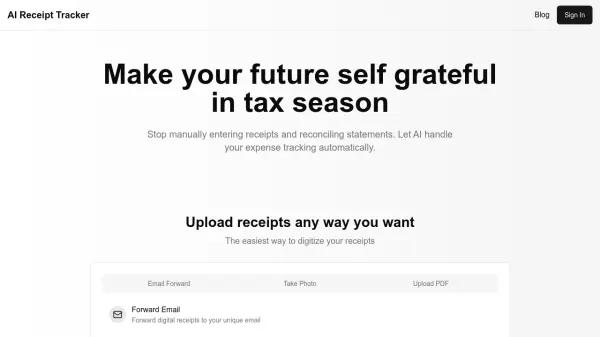
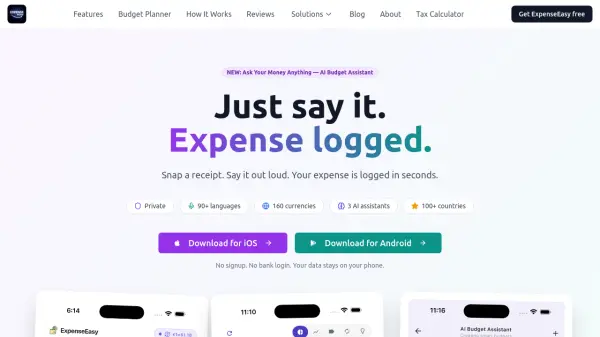
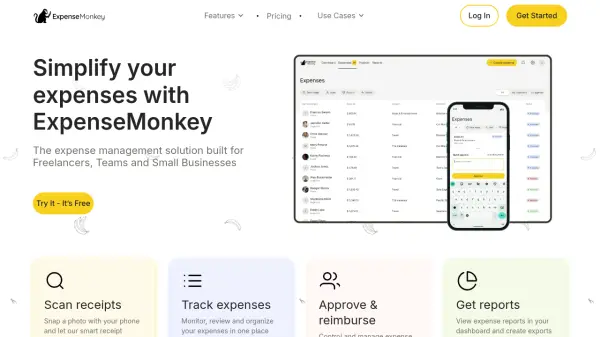
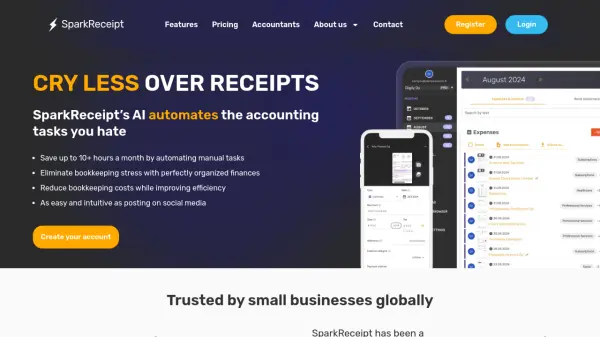
Simplify personal and business finance management with this advanced AI-driven application. It enables users to track spending effortlessly, gain a clear understanding of their financial habits, and make informed decisions to achieve financial stability or business goals. Expenses can be captured seamlessly by scanning physical receipts using a phone camera or by forwarding email receipts, including PDF and image attachments, directly to a dedicated app address.
Leveraging a sophisticated AI engine, the tool automatically extracts key details from receipts, such as the total amount, merchant name, transaction date, and even specific product information. Users can interact directly with their expense data through an intuitive AI chat feature, allowing them to ask questions, uncover spending patterns, and generate customized financial reports using natural language. Furthermore, the platform offers a comprehensive dashboard with detailed reports and visual charts, providing valuable insights into financial behavior. Expenses are intelligently categorized automatically, making it simpler to analyze spending habits and identify potential areas for savings.
Features
- Receipt Scanning: Capture expense details by taking a photo of your receipt.
- Email Receipt Tracking: Forward email receipts (including PDF/image attachments) to a dedicated address for automatic tracking.
- AI Data Extraction: Automatically extracts key information like amount, merchant, date, and product details from receipts.
- AI Chat for Insights: Interact with expense data using natural language to gain insights and generate reports.
- Detailed Analytics Dashboard: Access reports and charts to visualize spending patterns.
- Smart Categorization: Automatically categorizes expenses for easier analysis.
- Multi-Currency Support: Handles expenses in various currencies.
Use Cases
- Tracking personal expenses to improve financial habits.
- Managing business expenses for tax write-offs and accounting.
- Simplifying expense reporting for individuals and companies.
- Analyzing spending patterns to identify potential savings.
- Gaining insights into financial behavior through AI chat.
- Automating the process of logging receipts and invoices.
FAQs
-
Why should I care about Expense AI?
Expense AI enhances financial management by providing accurate expense tracking. This insight enables better budgeting, smarter spending, and improved financial health, automating tracking and offering valuable analytics for effortless financial management. -
What are the available options to add expenses on Expense AI?
Expenses can be added via Receipt Scanning (uploading images), uploading PDF receipts, forwarding email receipts (including attachments) to a dedicated Expense AI email, and Manual Entry (which is work in progress). -
Does Expense AI account for email attachments when creating expenses from email receipts?
Yes, Expense AI extracts information from both PDF and image attachments, treating each as a distinct expense. If an attachment contains multiple receipts, individual expense records are created for each. -
Does Expense AI support auto email forwarding?
Yes, users can set up a dedicated Expense AI email address and configure auto-forwarding. A guide for setup is available within the app. -
Can I chat with my Expense data and generate reports of my expenses?
Yes, the AI chat feature allows interaction with expense data using natural language to generate reports (e.g., comparing monthly spending) in formats like images, CSV, or PDF, with customizable styles.