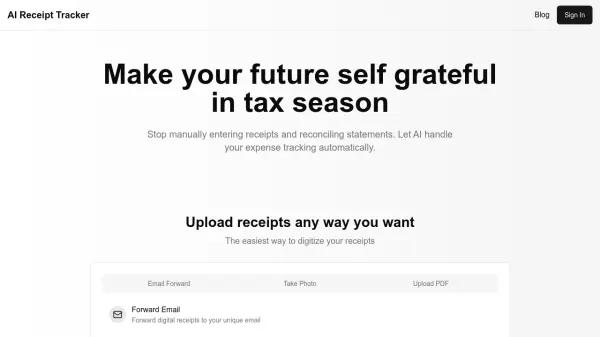



What is ExpenseMonkey?
ExpenseMonkey offers a streamlined solution for managing financial outgoings, specifically tailored to meet the demands of freelancers, small teams, and growing businesses. It leverages Artificial Intelligence to automate and simplify the often tedious process of expense tracking and reporting. Users can effortlessly capture receipts using a mobile app, with the system automatically extracting relevant data, thereby reducing manual entry and potential errors. This automation aims to save significant administrative time, allowing users to concentrate on their core business activities.
The platform provides a centralized hub for monitoring, reviewing, and organizing all expenses. It features robust approval workflows, enabling managers to review and approve team expenses efficiently, ensuring timely reimbursements. ExpenseMonkey also facilitates the generation of comprehensive expense reports, which are designed to be accountant-friendly and tax-ready. With support for multiple currencies and project-based expense tagging, it offers a flexible and comprehensive approach to financial management without the complexity or high cost often associated with enterprise-level finance tools.
Features
- Expense Tracking: Track all your expenses in one place - for you and your team.
- Expense Reporting: Stay tax-ready, and create reports accountants love.
- Approval Flow: Speed up approvals & ensure quick reimbursements.
- Mobile Receipt Scan: Snap a photo, create & manage expenses - anywhere, anytime with AI-powered data extraction.
- Team Collaboration: Invite unlimited users to manage expenses and generate reports, even on the free plan.
- Multi-Currency Support: Automatically supports all main currencies for global expense management.
Use Cases
- Automated expense tracking for freelancers to simplify tax deductions.
- Centralized expense management for small businesses and startups to monitor costs and reimburse employees.
- Streamlined client expense reporting for accountants and bookkeepers.
- Project-based expense tracking for construction, legal, and professional services.
- Mobile receipt capture and expense logging for frequent travelers and digital nomads.
- Budget management and expense organization for nonprofits and educational institutions.
FAQs
-
What is ExpenseMonkey?
ExpenseMonkey is a modern expense tracker that uses AI to help freelancers, small businesses, and teams scan receipts, track expenses, extract tax data, and organize costs by project or client—without the manual work. -
Can I track expenses by project or client?
Yes. You can tag each expense to a project, client, or category, making it easy to monitor spending and prepare invoices. -
Can I use ExpenseMonkey for taxes?
Absolutely. You get clean, exportable reports and organized categories to make tax filing fast and painless. -
Does ExpenseMonkey support multiple currencies?
Yes, it’s built for all users and supports all main currencies automatically. -
Is my data safe with ExpenseMonkey?
Yes. All data is encrypted and stored securely. We never share your financial information with anyone.