
What is Email Me?
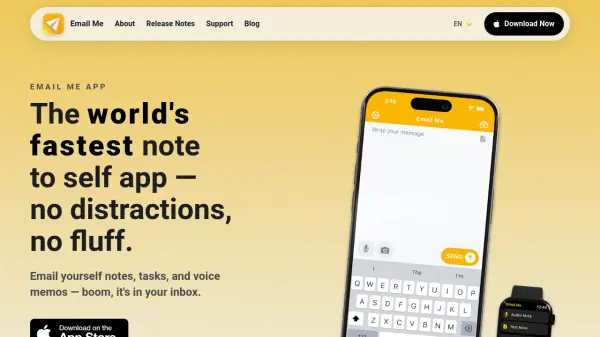
Email Me is a productivity application engineered to streamline the process of sending notes to oneself via email. It operates across iPhone, iPad, Mac, Apple Watch, and Vision Pro, providing a native, distraction-free experience. The app emphasizes speed and reliability, launching quickly to capture thoughts and send them with minimal taps, making it ideal for users who value efficiency in their daily workflows.
Built independently and funded by its users, Email Me ensures privacy and security while offering features like voice-to-email transcription, customizable themes, and accessibility options. It integrates with Siri and includes widgets for enhanced usability, helping over 3,000 users manage tasks and ideas seamlessly without unnecessary complexity.
Features
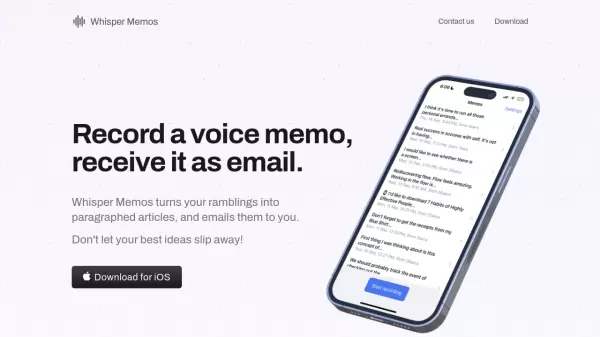
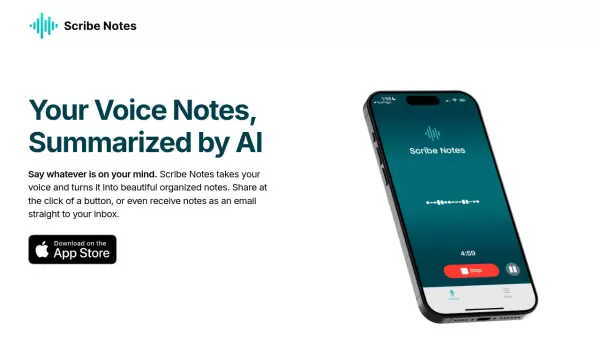
- Voice to Email: Record and transcribe voice memos directly into emails
- Multi-Device Support: Works on iPhone, iPad, Mac, Apple Watch, and Vision Pro
- Siri Integration: Send messages using voice commands with Hey Siri
- Custom SMTP Senders: Use custom email servers for sending notes
- Accessibility Features: Designed with accessibility in mind for all users
Use Cases
- Quickly emailing reminders or tasks to yourself during the day
- Recording and transcribing voice memos for later reference
- Sending notes from any app using the share extension
- Tracking productivity streaks and insights with built-in analytics
- Using Siri to send emails hands-free for convenience