elize.AI favicon

elize.AI
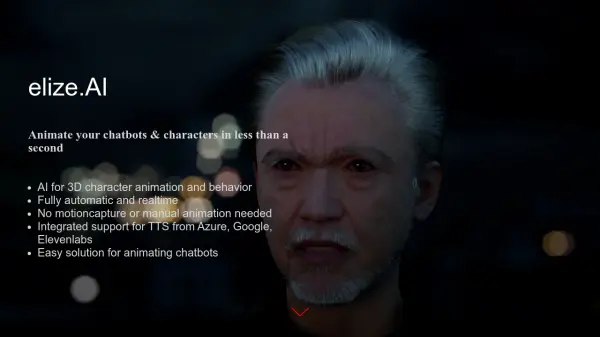
Animate your chatbots & characters in less than a second

What is elize.AI?

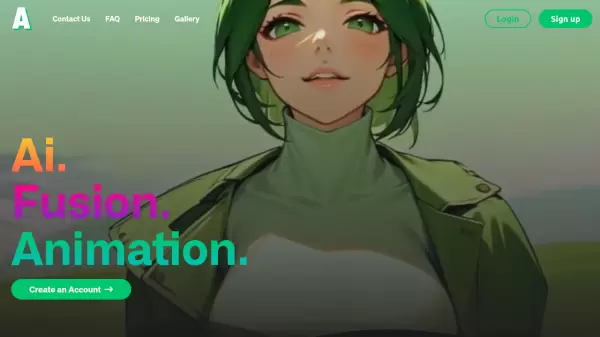
elize.AI specializes in simplifying the character animation process for games and digital-human projects. It provides a technology to generate natural-looking animations without requiring extensive manual work or expensive motion capture equipment.

The system works with existing character models, automating body movements, facial animations, and speaking animations. Animations are dynamic, influenced by character parameters, emotional states, and environmental settings. elize.AI supports Text-to-Speech (TTS) integration with services from Azure, Google, and Elevenlabs.

Features

  • Real-time Animation: Generates animations instantly without delays.
  • Fully Automatic: Automates the entire animation process, requiring no manual input.
  • No Motion Capture Needed: Creates animations without the use of motion capture equipment.
  • TTS Integration: Supports Text-to-Speech services from Azure, Google, and Elevenlabs.
  • Natural-Looking Animations: Produces very natural-looking character animations.

Use Cases

  • Animating chatbots
  • Creating character animations for games
  • Developing digital-human projects
  • Streamlining character animation workflow

Helpful for people in the following professions

Related Tools:

Blogs:

  • Top AI tools for Teachers

    Top AI tools for Teachers

    Explore the top AI tools designed for teachers, revolutionizing the education landscape. These innovative tools leverage artificial intelligence to enhance teaching efficiency, personalize learning experiences, automate administrative tasks, and provide valuable insights, empowering educators to create engaging and effective educational environments.

  • Top 6 AI note-taking tools for 2026: in-person, online, and hybrid use cases

    Top 6 AI note-taking tools for 2026: in-person, online, and hybrid use cases

    Most AI note-taking lists are really lists of meeting bots, which join your video call and transcribe it. That's useful, but it's half the picture. Decisions happen in hallway conversations, client dinners, on-site visits, and hybrid rooms where nobody is on a video link. This guide covers different parts of the note-taking workflow: hardware capture for in-person settings, platform-native tools for online calls, and AI layers for organizing and synthesizing what you've captured. It compares six tools by capture context, workflow fit, pricing, and limitations.

Didn't find tool you were looking for?

Be as detailed as possible for better results