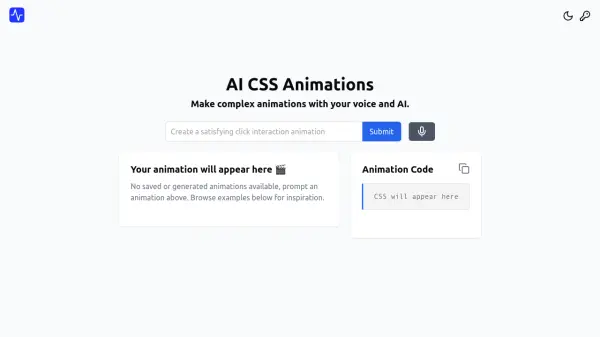
What is AI CSS Animations?
AI CSS Animations leverages artificial intelligence to simplify the creation of complex CSS animations. Users can generate animations by describing them in natural language through voice or text prompts. The platform provides a real-time preview of the generated animation and an editor for fine-tuning parameters such as timing, placement, and effects.
AI CSS Animations streamlines the animation workflow and allowing users to focus on the creative aspects of their projects. The platform's intuitive interface makes it accessible to a wide range of skill levels, and the ability to edit generated animations ensures a high degree of control over the final result.
Features
- Voice and Text Prompts: Generate animations using natural language descriptions.
- Real-time Preview: See your animation as it's being generated.
- Animation Editor: Fine-tune the timing, placement, and effects of your animation.
- Instant Code Generation: Receive your custom animation CSS code within seconds.
Use Cases
- Creating engaging transitions between website states.
- Developing interesting page transitions.
- Implementing micro-interaction animations.
- Adding unique visual effects to web elements.