What is AI Animation Platform?
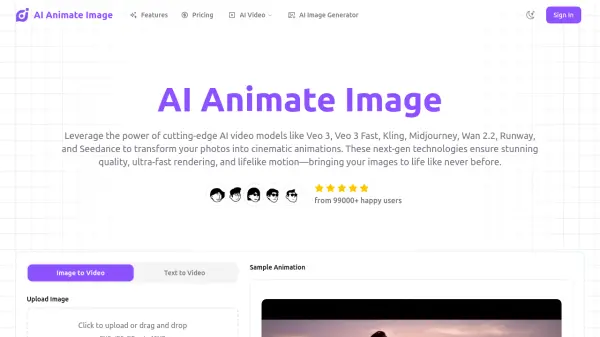
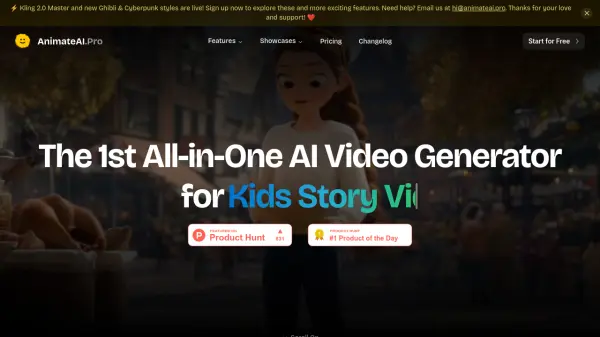
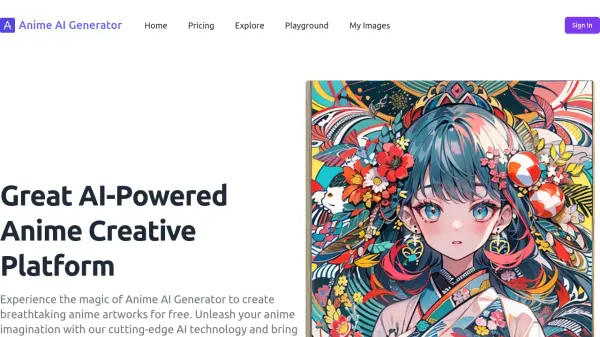
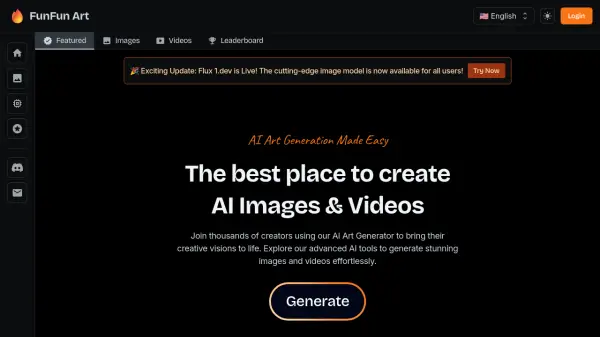
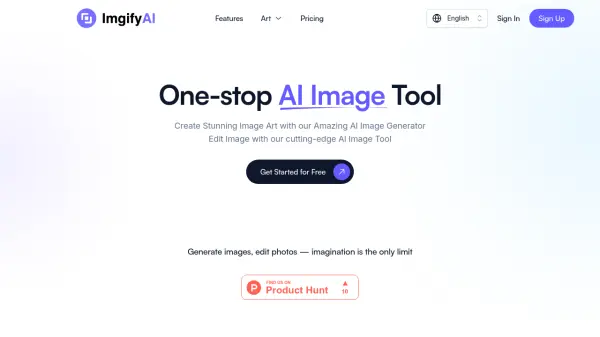
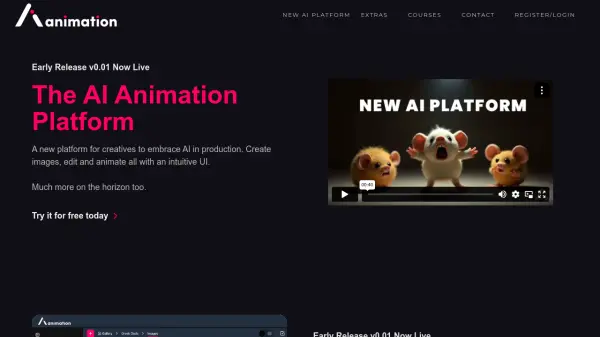
AI Animation Platform provides creatives with a new environment to integrate Artificial Intelligence into their production workflows. This platform allows users to generate images, perform edits, and create animations, all managed through a user-friendly interface.
It incorporates secure image and video generation capabilities, cloud storage, and unique folder management. The platform utilizes cutting-edge AI models, including Flux and Ideogram for image generation, and Pika 2 Turbo, Kling 1.6 Pro, and Veo 2 for high-quality video output. Users can also edit generated images consistently using simple text prompts.
Features
- AI Image Generation: Create images using models like Flux and Ideogram.
- AI Video Generation: Generate videos using models like Pika 2 Turbo, Kling 1.6 Pro, and Veo 2.
- Prompt-Based Image Editing: Edit generated images consistently using simple text prompts.
- Intuitive UI: User-friendly interface for managing creation, editing, and animation.
- Secure Cloud Storage: Store generated images and videos securely.
- Folder Management: Organize creative assets efficiently.
Use Cases
- Creating AI-generated images for various projects.
- Generating AI videos for films, music videos, or marketing.
- Editing AI-generated images to achieve specific looks or poses.
- Developing consistent character visuals across multiple images.
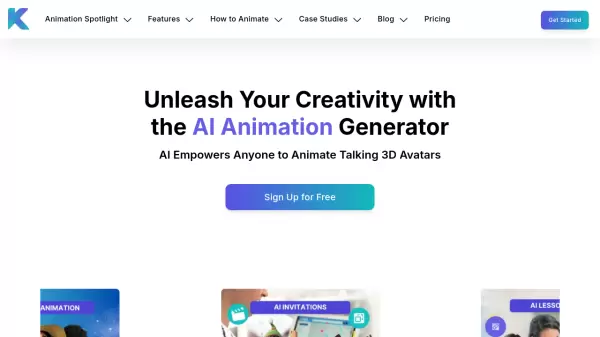
- Streamlining animation workflows with AI assistance.
- Experimenting with the latest AI image and video generation models.